- Native apps are built separately for iOS and Android: best performance and full device access, but two codebases to build and maintain.
- Cross-platform apps, built with frameworks such as React Native or Flutter, share one codebase across both stores and suit most business apps.
- Progressive web apps (PWAs) are websites that install like apps: fastest and cheapest to launch, but they are not in the app stores by default and have more limited device access.
- Store fees are small: $99 a year for the Apple Developer Program and a $25 one-time Google Play registration.
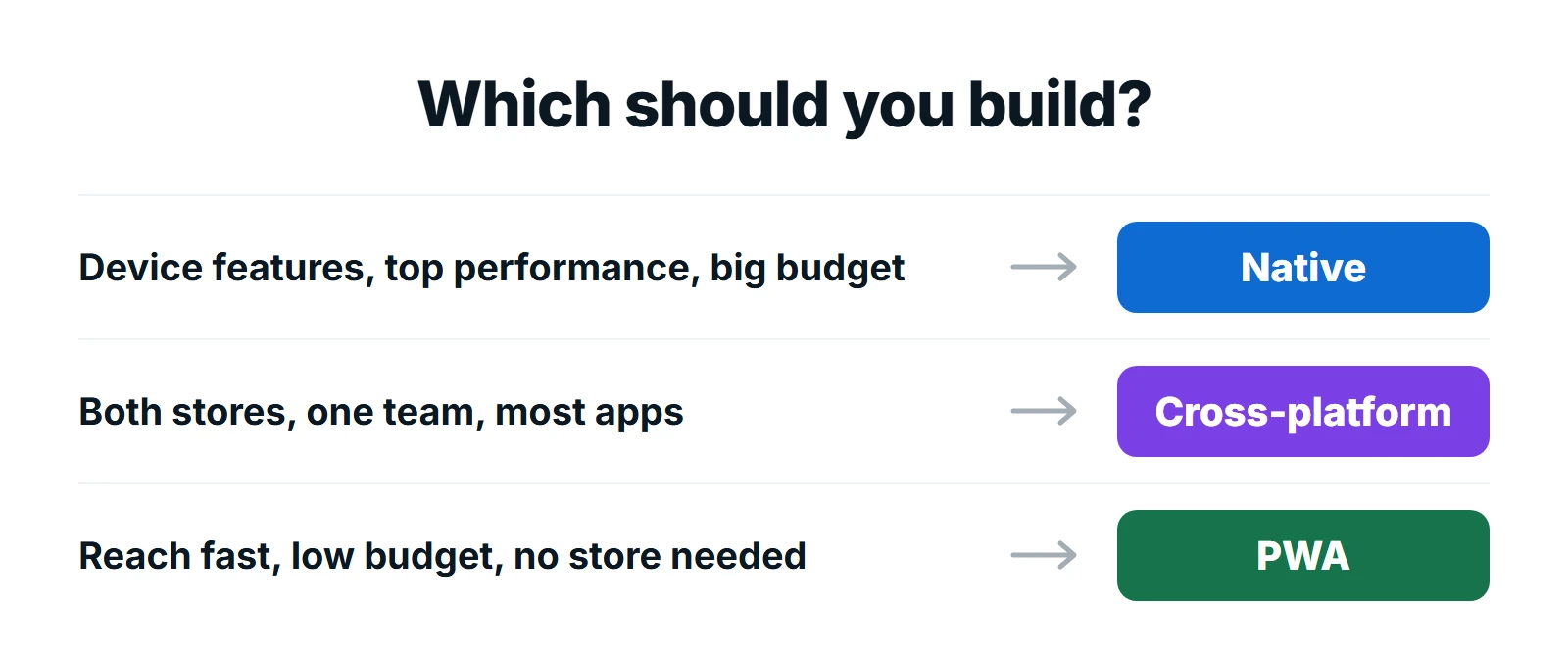
The short answer: in the native vs cross-platform vs PWA decision, choose cross-platform for most business apps that need to be in both app stores, because one codebase serves iOS and Android. Choose native when the app depends on heavy device features, top performance or the newest platform features. Choose a progressive web app when you want to reach users quickly and cheaply, and an app store listing is not essential.
The Three Options Explained
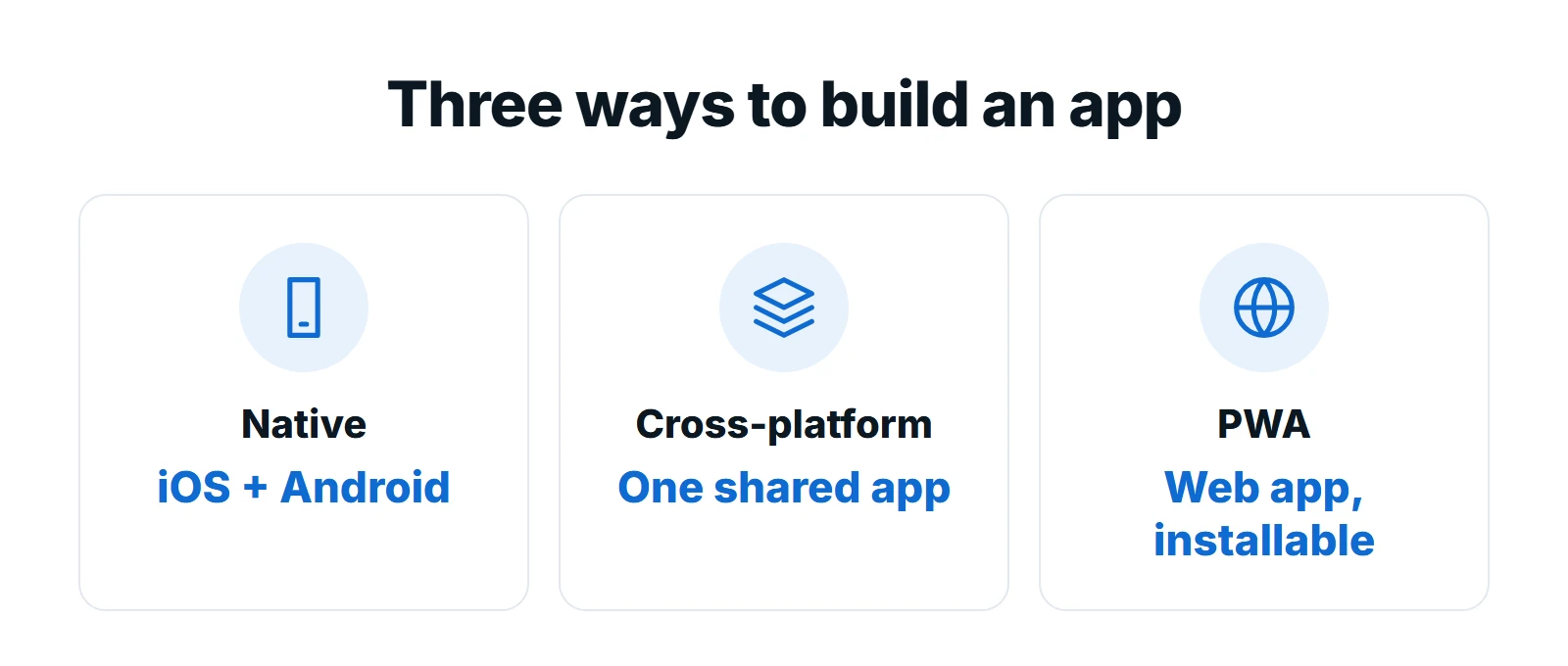
- Native app: built with each platform’s own tools, Swift for iOS and Kotlin for Android. Two apps, two codebases, each tuned for its platform.
- Cross-platform app: one codebase, written with a framework such as React Native or Flutter, that produces apps for both iOS and Android, published in both app stores.
- Progressive web app (PWA): a website built to behave like an app. Users can add it to their home screen, it can work offline and, on supported devices, send notifications.
How Many Apps You Will Maintain
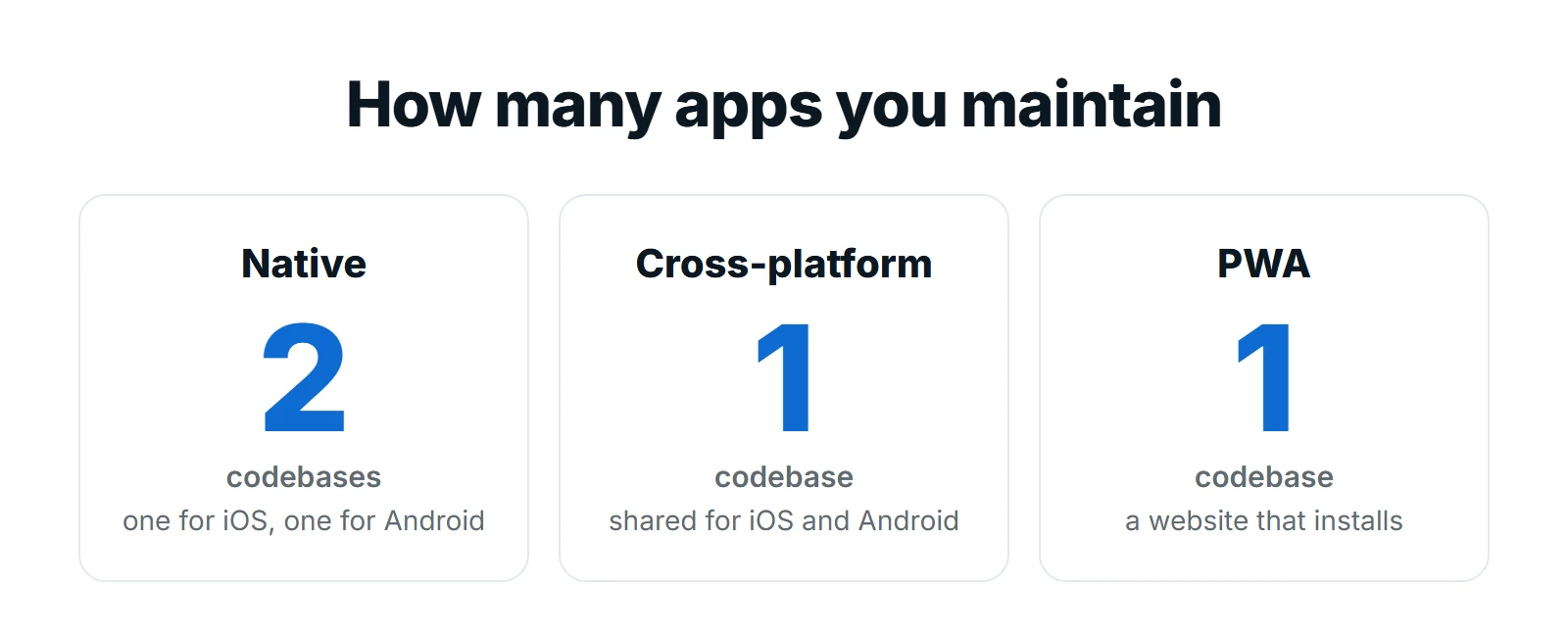
This is the biggest driver of long-term cost. Every feature, fix and update has to be built and tested in each codebase. Native apps double that work; cross-platform apps and PWAs do it once.
Side by Side
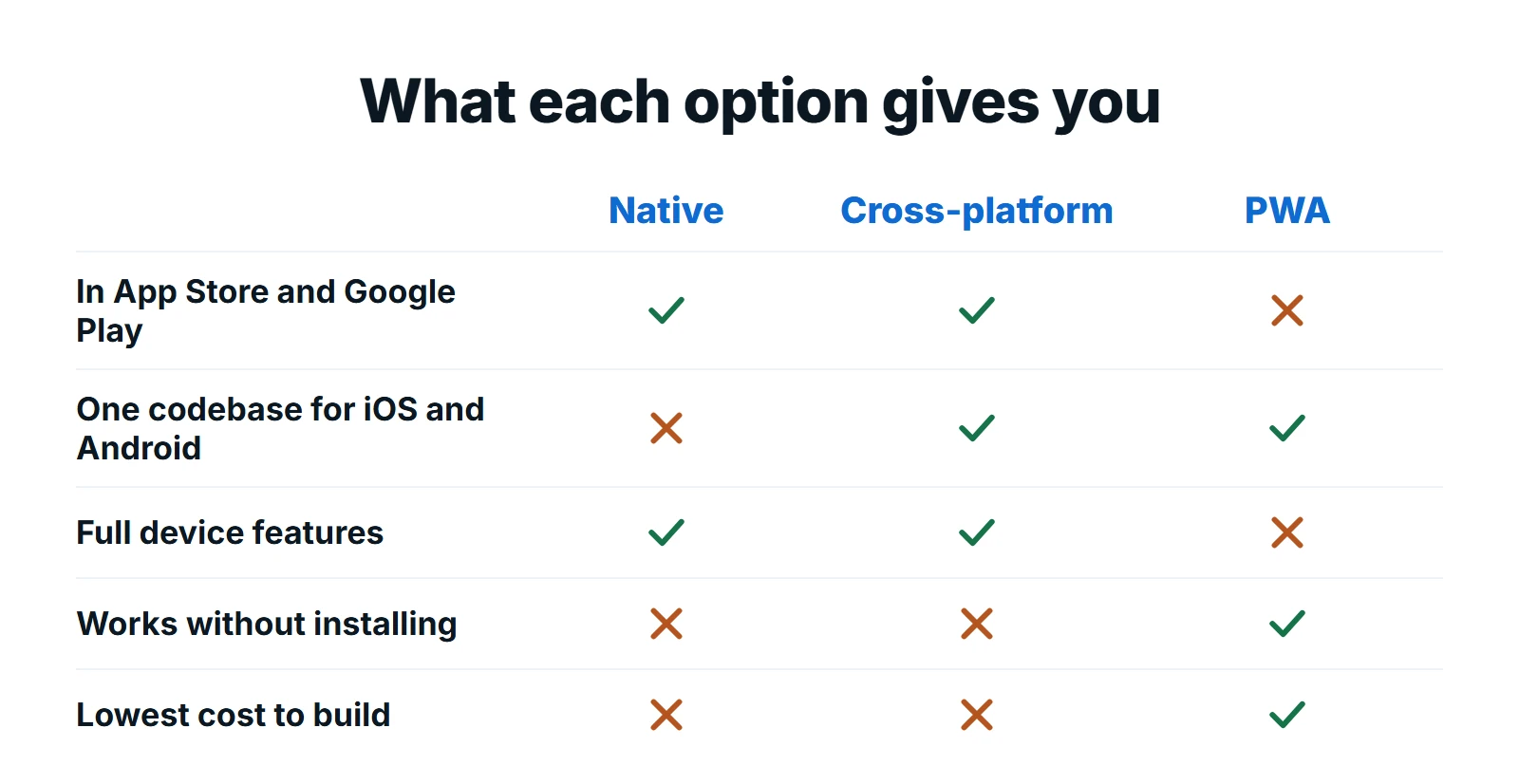
| Native | Cross-platform | PWA | |
|---|---|---|---|
| Codebases | Two | One | One (a website) |
| App stores | Yes | Yes | Not by default |
| Performance | Best | Very good for most apps | Good for content and forms |
| Device features | Full | Most, through plugins | Limited, varies by browser |
| Notifications | Yes | Yes | Yes on supported devices |
| Updates | Store review for each platform | Store review, often faster changes | Instant, like a website |
| Build and maintenance cost | Highest | Moderate | Lowest |
App Store Costs
Publishing in the stores is inexpensive compared with building the app. The Apple Developer Program costs $99 per membership year, and Google Play charges a $25 one-time registration fee. A PWA avoids both because it runs from your website, although it can still be packaged for the app store later if you need a listing.
When to Choose Each
Choose native when
- The app relies heavily on the camera, sensors, Bluetooth or background tasks.
- Performance is critical, such as games, video or complex animation.
- You need the newest iOS or Android features the day they launch.
- You have the budget to build and maintain two apps.
Choose cross-platform when
- You need to be in both app stores with one team and one budget.
- The app is mostly screens, forms, lists, bookings, payments and notifications, which describes most business apps.
- You want features to ship to iOS and Android users at the same time.
Choose a PWA when
- You want to test an idea or reach users quickly with the lowest cost.
- An app store listing is not essential to how customers find you.
- The app is mostly content, forms, ordering or account management.
- You want instant updates without app store review.
Apple’s WebKit team announced support for web push notifications in home screen web apps with iOS and iPadOS 16.4, which closed one of the biggest gaps for PWAs on iPhone.
Do Not Forget the Back End
Whichever option you choose, the app is only the part customers see. Behind it sits a back end: the database, user accounts, business rules and connections to your other systems. It is often half the work, and it is the same for native, cross-platform and PWA.
- One back end for everything. Your website, app and admin area should share the same data and rules, so a booking made in the app appears everywhere instantly.
- An admin area. Your team needs a place to manage users, content and orders without a developer.
- Integrations. Connect the app to your CRM, payments and accounting through API integrations, rather than re-typing data.
- Security and updates. Accounts, payments and personal data need the same care in an app as on your website, plus updates when iOS and Android change.
Ask any quote you receive how the back end is built and who maintains it. A cheap app on a weak back end is the most expensive option in the long run.
Not sure which kind of app to build?
We look at your users, features and budget, recommend native, cross-platform or a PWA, and build it with one back end shared with your website and systems.
Questions to Ask Before You Decide
- Do customers expect to find you in the App Store and Google Play?
- Which device features does the app truly need on day one?
- How often will you update it, and how fast do updates need to reach users?
- Do you need iOS and Android at launch, or can one come first?
- Who will maintain the app next year, and what will that cost?
- Could a web app or PWA prove the idea before a full app?
Planning the first version? Our MVP feature checklist helps you decide what to build first, and our web application development team can build the web side.
Frequently Asked Questions
Is a cross-platform app as good as a native app?
For most business apps, yes. Frameworks such as React Native and Flutter deliver smooth apps with access to most device features. A native app is still better for performance-heavy apps and features that depend on the newest platform capabilities.
What is a progressive web app?
A progressive web app, or PWA, is a website built to behave like an app. Users can add it to their home screen, it can work offline and it can send notifications on supported devices, all without an app store download.
Can a PWA be in the App Store?
Not by default. A PWA runs from your website. It can be packaged as an app for the stores, but if a store listing is essential, a cross-platform or native app is usually the simpler route.
How much does it cost to publish an app?
The Apple Developer Program costs $99 per membership year and Google Play has a $25 one-time registration fee. Building and maintaining the app is the much larger cost.
Is it cheaper to build one cross-platform app than two native apps?
Usually, because one shared codebase means features and fixes are built and tested once rather than twice. The savings continue for as long as you maintain the app.
Final Thoughts
There is no single best answer in native vs cross-platform vs PWA, only the best fit for your users and budget. For most businesses, cross-platform gives the best balance of reach and cost, a PWA is the fastest way to start, and native is worth it when the app depends on the device itself.
At Digital Roots Media, we build mobile apps that share one back end with your website and systems. Request a free proposal and we will recommend the right approach.