
Free Website AuditSee exactly what is holding your site back from ranking and converting. Claim yours →
Free Website AuditClaim yours →
When your crews, drivers or customers spend their day away from a desk, a mobile app puts the right job, booking or offer in their pocket. Our iOS and Android app development uses one codebase, so we build both apps together, connect them to the systems you already run and take them all the way to launch in the App Store and Google Play.




In Short
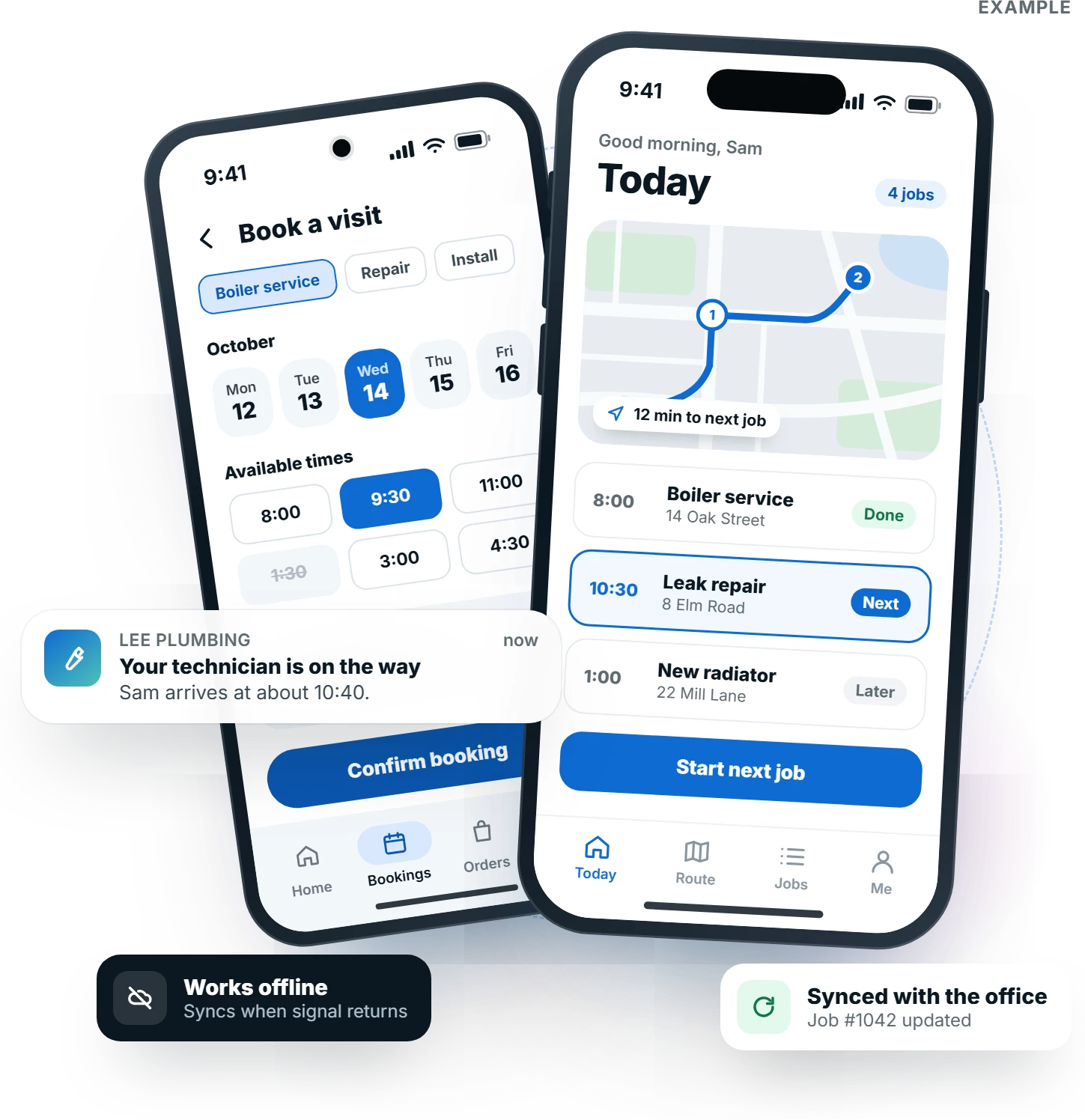
Custom mobile app development is the planning, design and building of an iPhone and Android app around one business’s own customers, staff and processes, then publishing it in the App Store and Google Play. Unlike a ready-made app builder, custom mobile app development services give you an app that does exactly what your business needs, uses the phone’s camera, location and notifications, and connects to the systems you already run.

By the Digital Roots Media development team
Is It Right for You?
An app in the stores is not always the right first step, and building one you do not need is an expensive mistake. Here is how the three options differ.
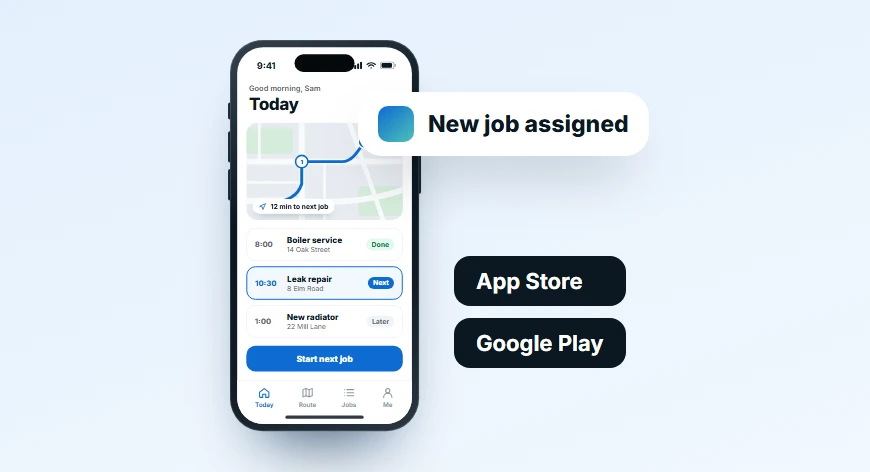
Many businesses need both: a web app for the office and a mobile app for the field, sharing one back end. That is how we usually plan them.
What We Build
Mobile app development for small businesses usually starts with one of these four kinds of app.
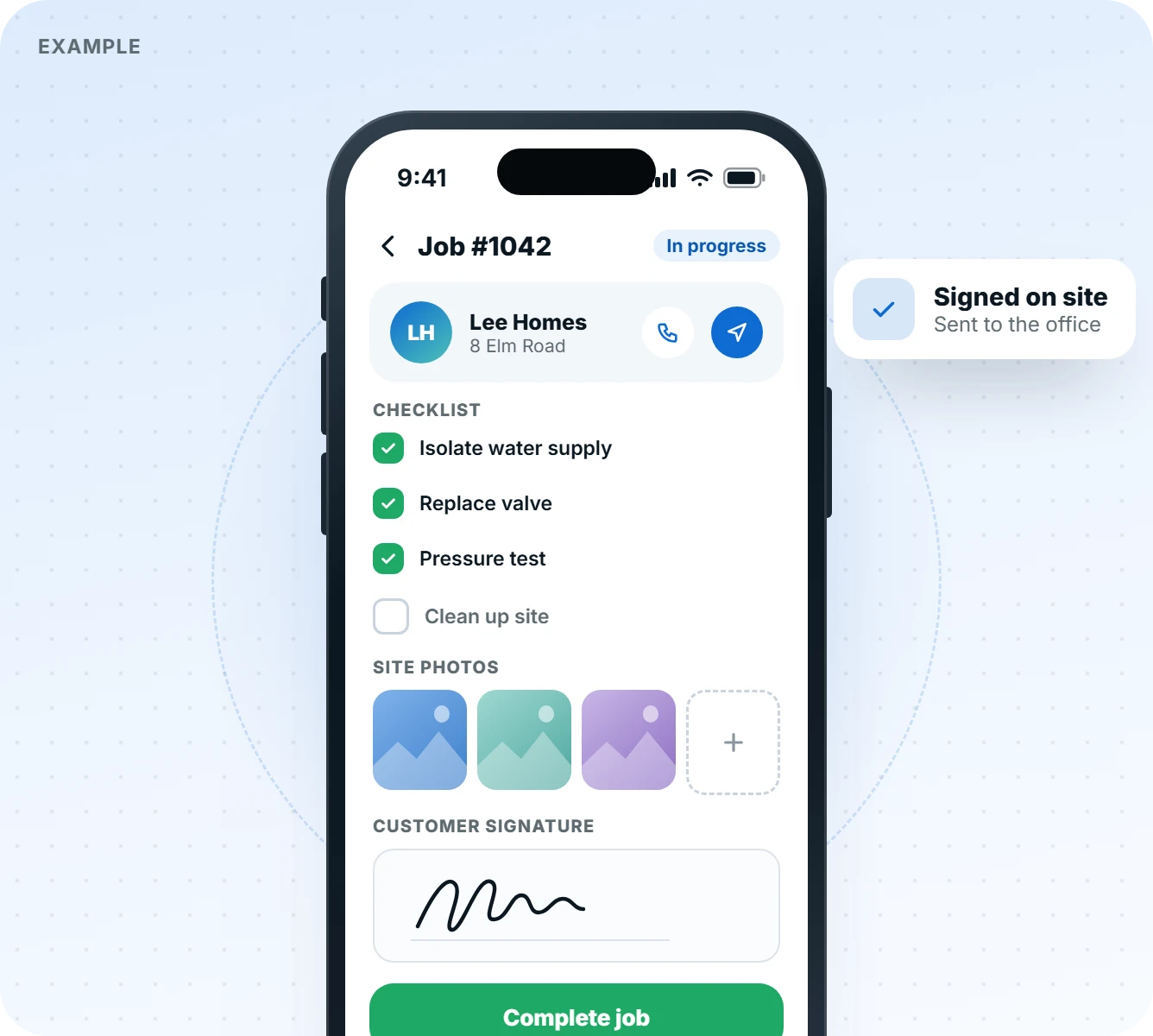
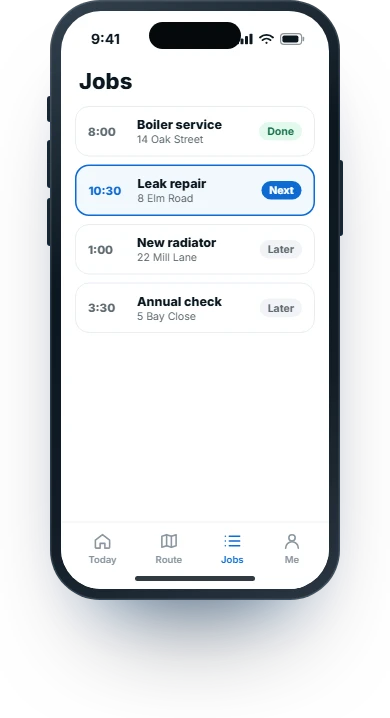
Field service app development starts with the work your crews do every day. Today’s jobs, directions, checklists, photos and customer sign-off sit in one app, so crews stop calling the office and the office sees progress as it happens.
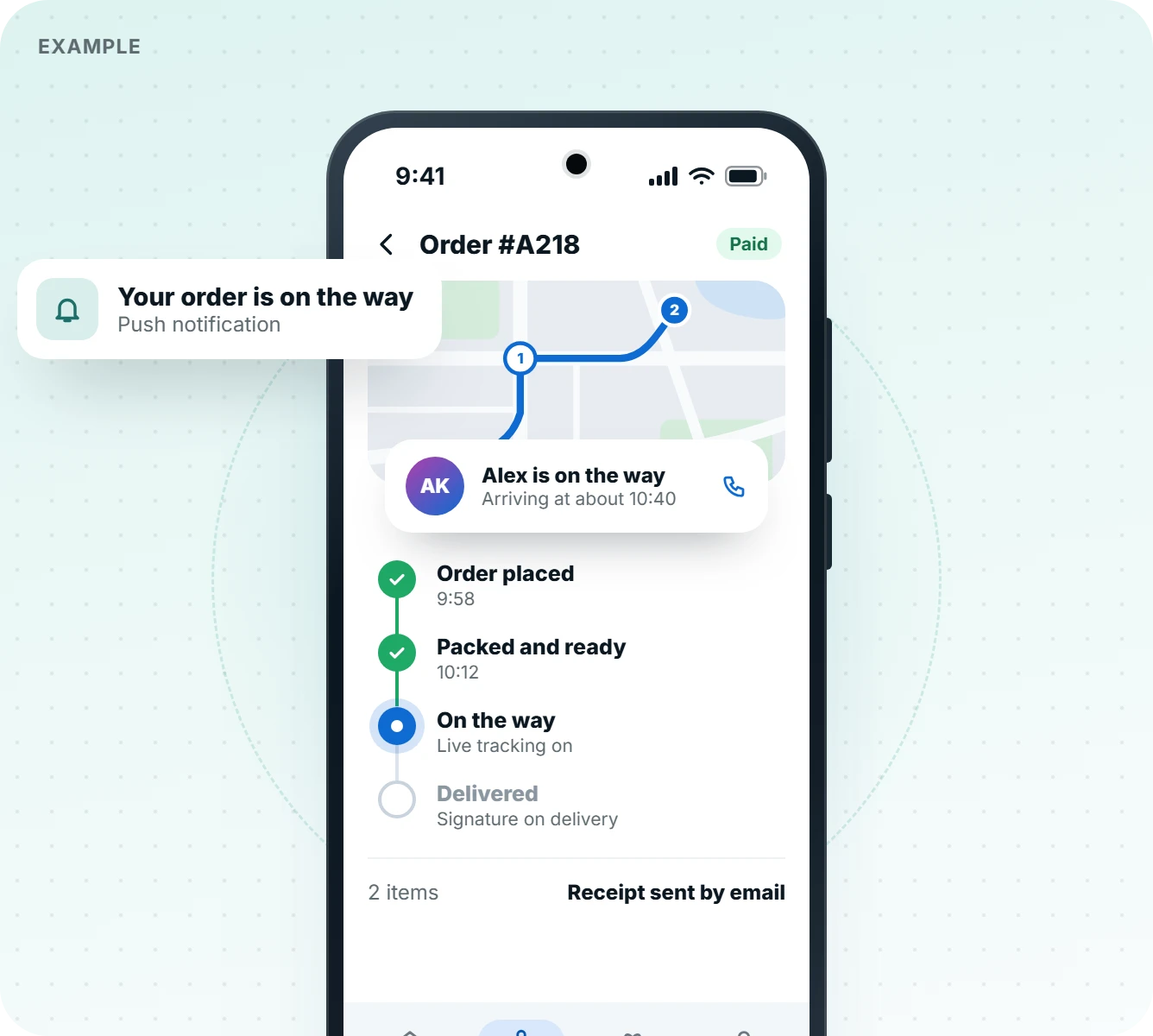
Customers book, reorder or request a service in a few taps, pay securely and get updates without picking up the phone.
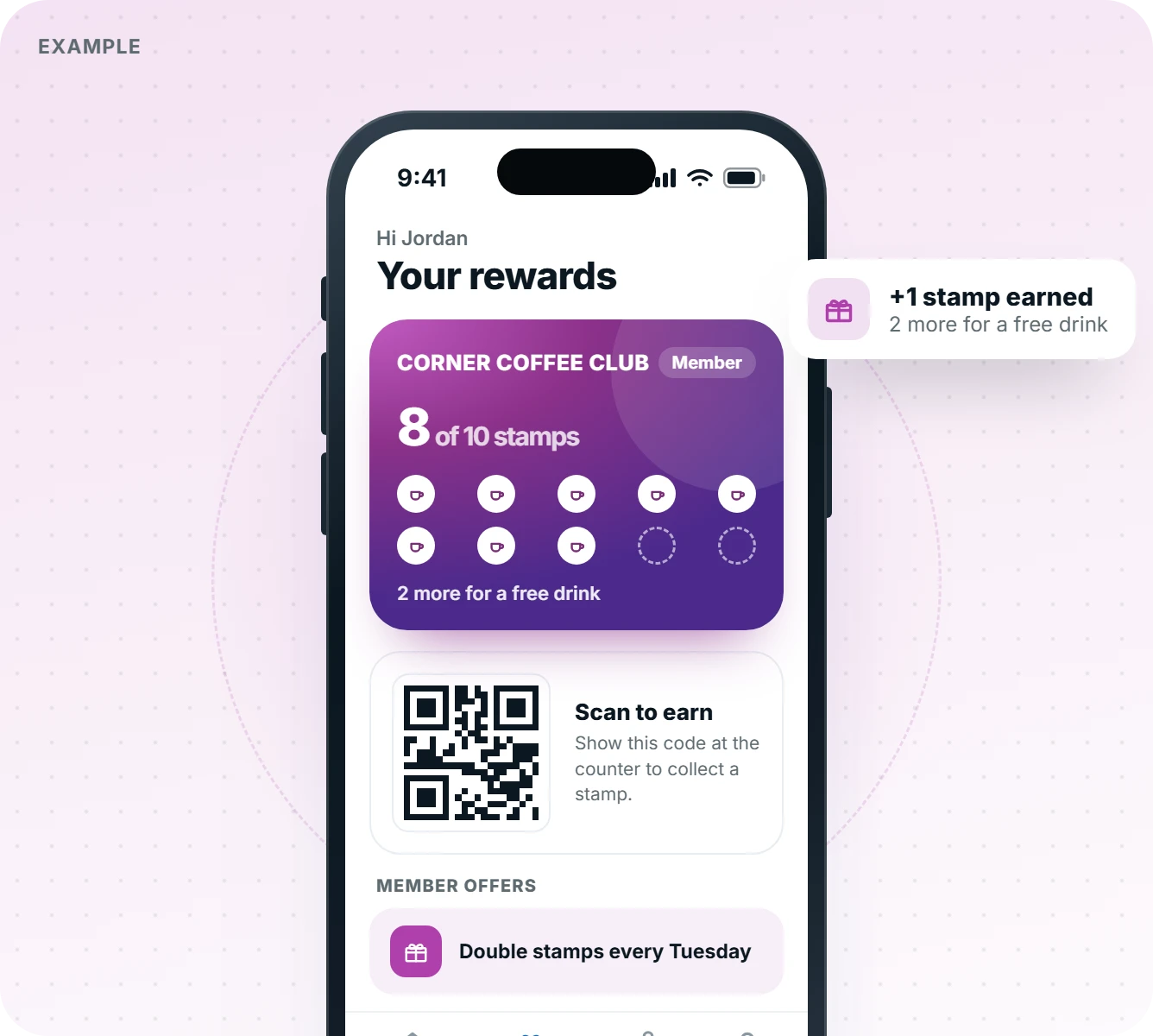
Points, rewards, memberships and member-only offers that give customers a reason to come back, and give you a direct line to them that does not depend on ads.
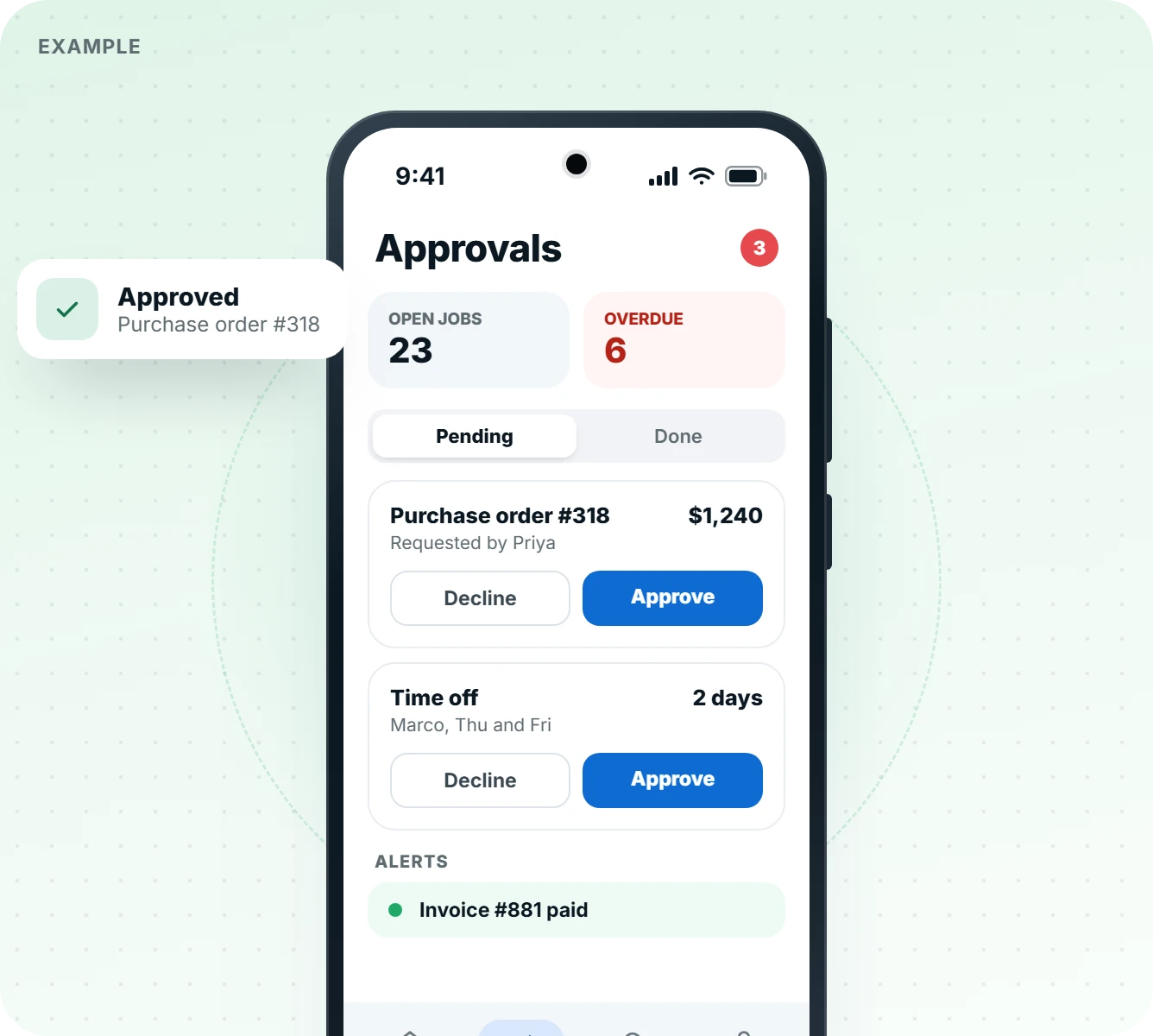
A mobile version of the system you already run, so customers and staff can check, approve and update on the go, with the same logins and the same data.
Built In
A good business app is more than a website in a frame. It uses what the phone does best, and keeps working when the signal does not.
Work carries on without signal and syncs when the connection returns.
Reminders, status updates and offers that reach people straight away.
Photos, documents, barcodes and QR codes captured in the app.
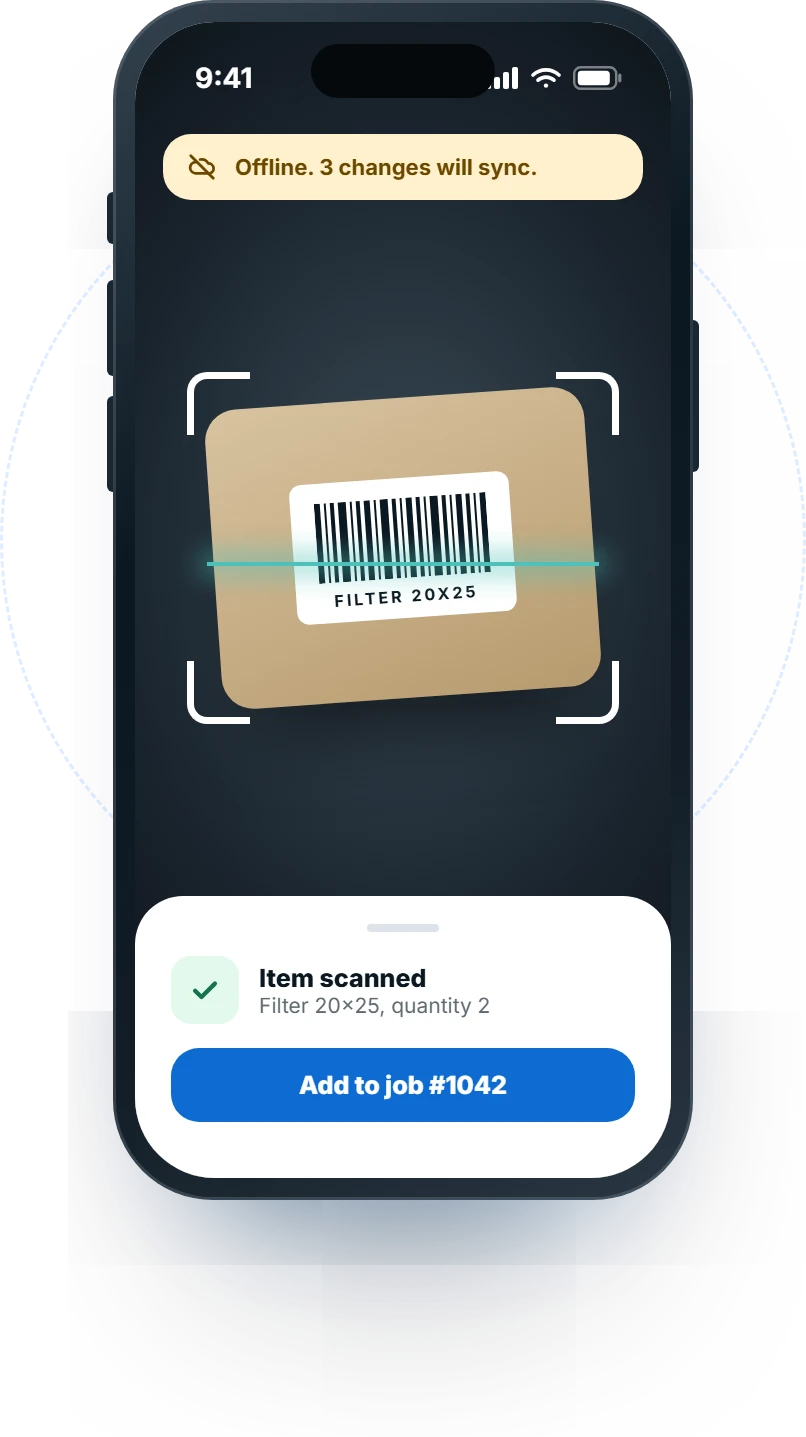
Directions, check-ins and nearby services where they help.
Face ID, fingerprint or a one-time code, with a role for each type of user.
Card and wallet payments through a trusted provider, with no card details stored in the app.
Compare Your Options
There are three common ways to build a business app. We build cross-platform, with Flutter or React Native app development, and here is an honest view of when each one makes sense.
Swipe to compare →
| What you get | Our approachCross-platformFlutter or React Native | Two native appsSwift and Kotlin | No-code app builderTemplate tools |
|---|---|---|---|
| One codebase for both platformsiPhone and Android | Yes, one shared codebase | No, two separate apps | Yes |
| Look and feelHow it feels to use | Feels at home on both | The best possible on each | Template based |
| Camera, location and offlineDevice features | Almost everything | Everything | Limited to what the builder offers |
| Updates and upkeepAfter launch | One app to update | Two apps to update | On the vendor's platform |
| Connects to your systemsCRM, accounting, job software | Any system with an API | Any system with an API | Plugin dependent |
| Best forWhere each option fits | Most business apps | Games, heavy graphics or unusual hardware | Simple apps and quick tests |
Cross-platform app development covers what most business apps need, with one codebase to build and maintain instead of two. If your app depends on something only native code does well, we will tell you during discovery, before you commit to anything.
Connected
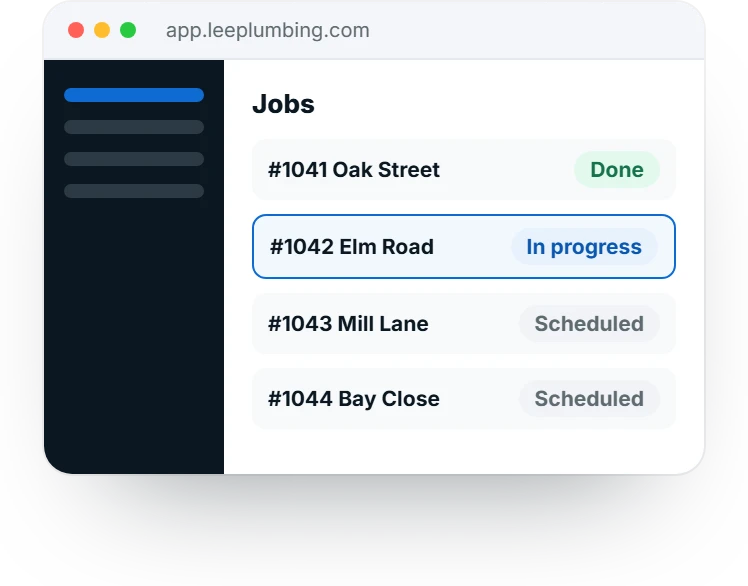
Your mobile app should not be another island of data. We build it on the same back end as your web app or portal, or connect it to the systems you already run, so a job updated in the field or a booking made on a phone shows up everywhere at once.
Building the web side too? See custom web application development. Connecting existing systems? See API integration services.
Launch
App store approval is a project of its own. We prepare everything the stores ask for and manage the submission with you.
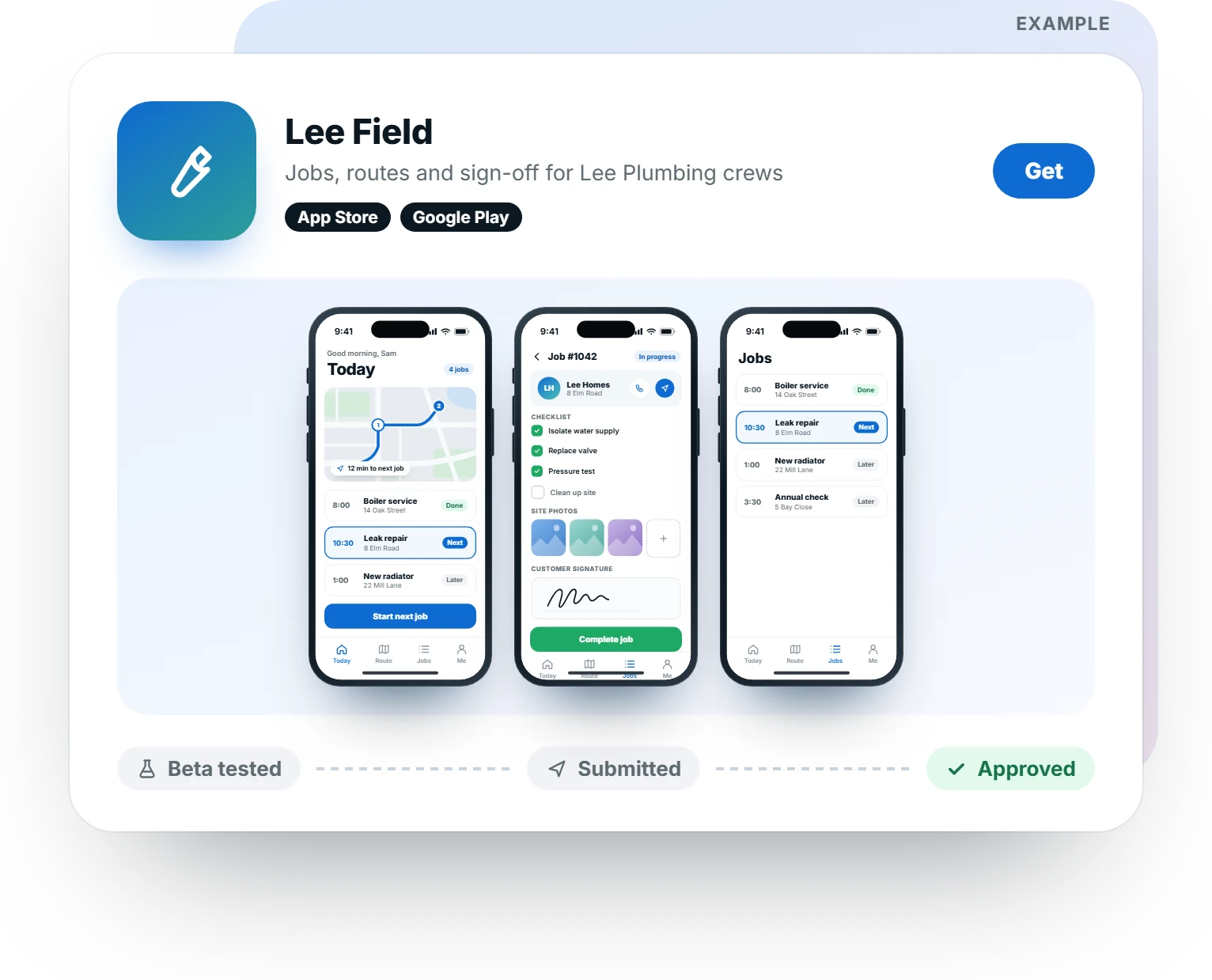
We help you open Apple and Google developer accounts for your business, so the listings belong to you.
Your team tries the app through TestFlight and Google Play testing before the public sees it.
App name, description, screenshots and keywords written to be found.
Your privacy policy, Apple’s privacy details and Google Play’s data safety form, completed accurately.
We submit the app, answer the reviewers’ questions and fix anything they flag.
Released to everyone, or only to your own staff.
Our Process
We talk through who will use the app, where they will use it and what it must connect to.
Who will use the app
Where they will use it
What it must connect to
We agree the screens, features, platforms and integrations in writing, with a fixed quote.
Screens and features agreed
Platforms and integrations agreed
One fixed quote
Every key screen is designed for iPhone and Android and linked into a clickable prototype you can try on your own phone before any code is written.
Every key screen designed
A clickable prototype on your own phone
Before any code is written
We build in stages and send test builds to your phone, so you try real features as they are ready.
Built in stages
Test builds sent to your phone
Real features as they are ready
We test on real iPhone and Android devices and common screen sizes, then prepare the store listings and manage the submission.
Tested on real iPhone and Android devices
Store listings prepared
Submission managed with you
After launch we fix issues, keep the app working with each new iOS and Android release and add features as you grow.
Issues fixed
Updated for new iOS and Android releases
Features added as you grow
Cost
The cost of a mobile app depends on what it has to do, who uses it, what it connects to and whether it needs its own back end or can share one you already have. We price every app from a written scope, so you know the full cost before any work starts.
Each type of user and each screen adds design and build work
Offline sync, payments, maps and scanning each add scope
A new back end is more work than sharing your existing web app’s
Each system the app connects to adds work and testing
After a short discovery call, you get a written proposal you can compare like for like.
Running costs to plan for: hosting, Apple and Google developer accounts (paid to them directly) and updates for new iOS and Android versions.
Why Choose Us
Many app developers stop at launch day. We have spent 13+ years building and marketing websites for businesses across 20+ industries, so our mobile app development services plan the app alongside the website, store listing and campaigns that bring people to it, and connect it to the systems your team already uses.
FAQs
Straight answers to what business owners ask before they build.
Talk it through with our team. No sales script, just a clear next step.
It depends on the screens, the device features, the back end and the integrations. We give you one fixed quote from a written scope after a free discovery call, so you know the cost before any work starts.
It depends on the scope. We agree milestones and the launch plan in writing before we start, and you try test builds on your own phone throughout.
Yes. We use Flutter or React Native, so one codebase produces both the iPhone and the Android app, and both stay in step when you add features.
Choose a web app when people mostly work at a computer or need access from any device without installing anything. Choose a mobile app when people use it daily on their phone, need it offline, or need the camera, location or notifications. Many businesses use both, sharing one back end.
Native apps are written separately for iPhone (Swift) and Android (Kotlin). Cross-platform apps share one codebase across both. For most business apps, cross-platform gives the same experience for users with one app to build and maintain instead of two.
Yes, where it is planned in. Data is stored securely on the device and syncs when the connection returns. We agree which features must work offline during scoping.
Yes, in most cases. If a system has an API, such as your CRM, accounting, payments or job software, the app can read and update it, so nobody re-types anything.
Yes. We prepare the listings and privacy declarations, submit the app and handle the reviewers’ questions. The final approval decision rests with Apple and Google.
Yes. An app can be released privately to your own team instead of being listed publicly, with each person signing in with their own account and role.
New versions arrive every year, and the stores raise their requirements over time. Apps need regular updates to keep working and stay listed, so plan for them after launch. We can keep your app current.
Ownership of the code, the data and the accounts is set out in writing before work starts, and the store listings are set up in your business’s name.
Talk it through with our team. No sales script, just a clear next step.
Explore Related Services
Build the web side, connect the systems behind it or turn your idea into a product.
Software built around your workflow, with secure logins for staff and customers.
Your website, CRM, accounting and payments connected, so data moves on its own.
A focused first version of your product that real users can sign up for and pay for.
Free Proposal
Share your email and a line about the app you have in mind. You will receive a free discovery call and a fixed-price proposal, with no obligation.