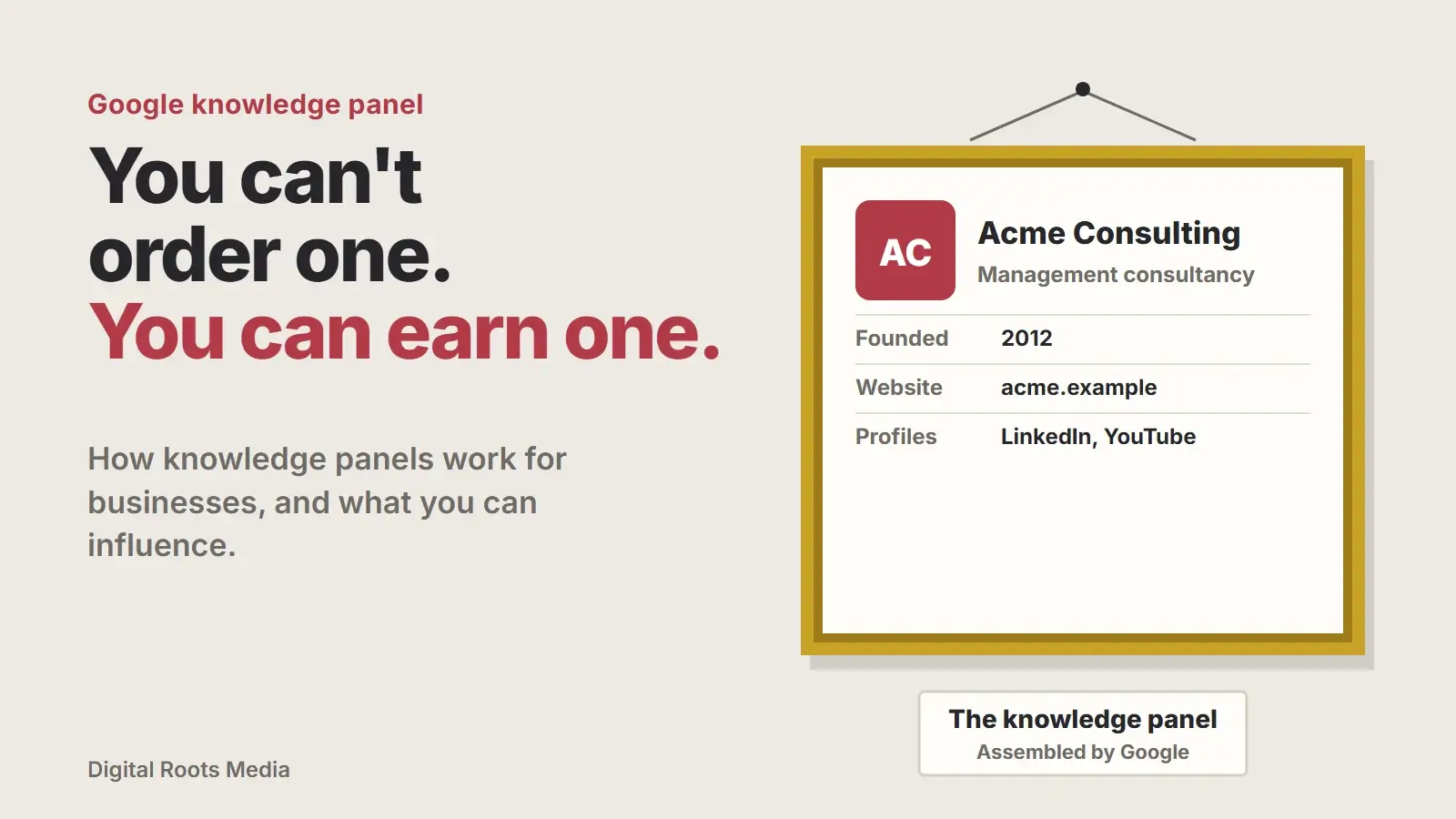
A Google knowledge panel is the information box that appears in Google results when someone searches for a known entity, such as a company, brand or person. You can’t apply for one. Google says knowledge panels are generated automatically from information across the web. What a business can do is make its facts clear and consistent everywhere, mark them up with structured data, and claim and correct the panel once Google shows one.
Knowledge panels get a lot of attention because they make a brand look established, and because the same understanding of who you are also feeds AI answers. This guide explains how they work, how they differ from a Google Business Profile, what influences them and how to claim and edit one. It is based on Google’s own knowledge panel help pages and its Organization structured data documentation.
- Knowledge panels are generated automatically by Google. There is no form to request one.
- They are built from information across the web, so consistent facts matter most.
- A Business Profile is different: it is for local businesses and you manage it directly.
- Organization structured data helps Google identify your business and its official profiles.
- Once a panel appears, you can claim it, verify through an official profile and suggest edits.
What is a Google knowledge panel?
Google describes knowledge panels as information boxes that appear when you search for entities. An entity is a thing Google understands as distinct: a company, a person, a brand, an organization. The panel gives a quick overview, such as the logo, a short description, the founding date, the official website and social profiles.
Google says the panels are automatically generated and that the information comes from various sources across the web, and for some topics from data partners. They also update automatically as information on the web changes.
Knowledge panel vs Google Business Profile
The two boxes look alike, which is why they are often confused. Google’s own help page points out that Business Profiles look similar to knowledge panels but are specific to businesses that serve customers at a location or within a service area.
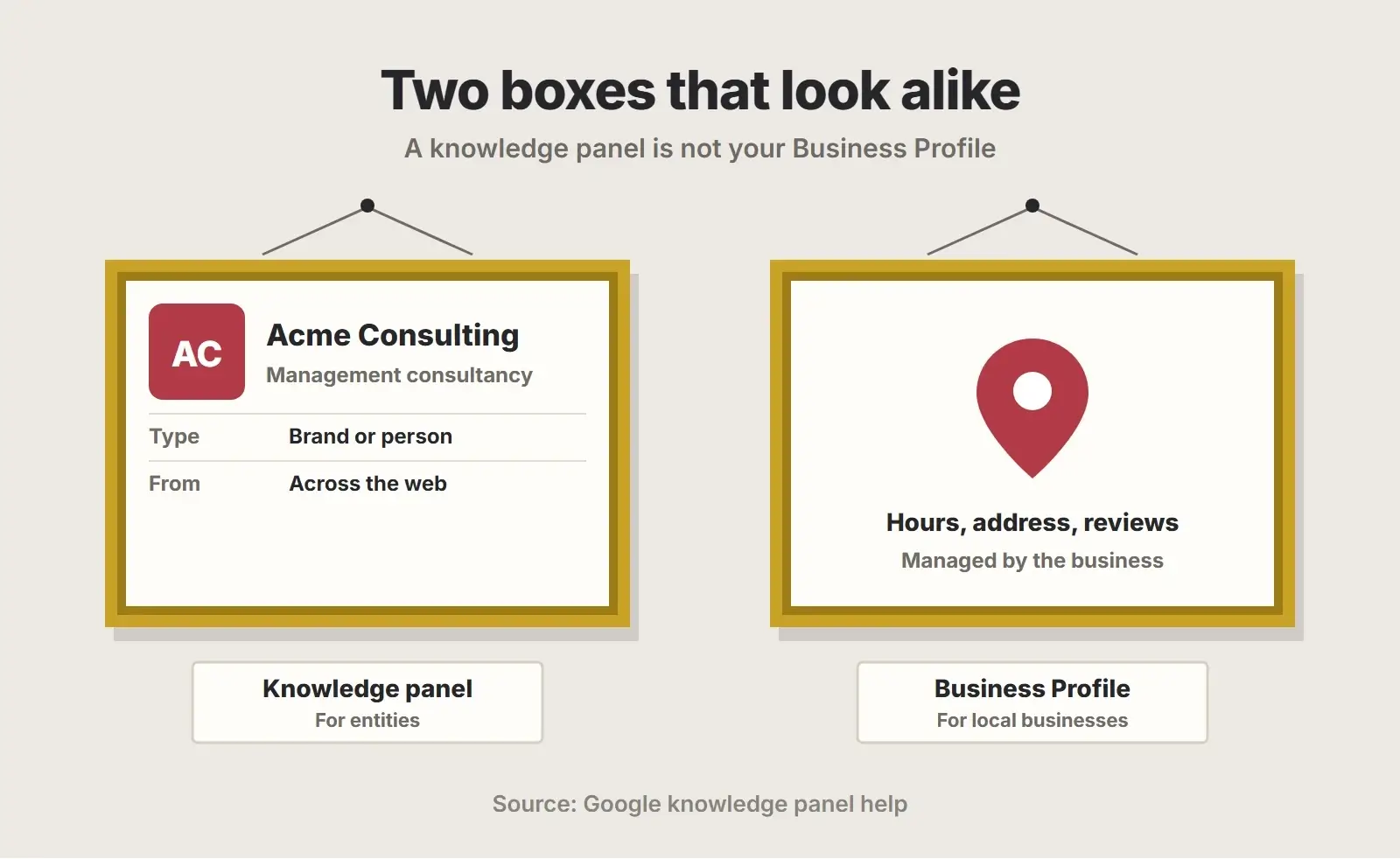
| Knowledge panel | Google Business Profile | |
|---|---|---|
| What it covers | Entities: companies, brands, people | Local businesses with a location or service area |
| How it is created | Automatically by Google | Created and verified by the business |
| Can you request it? | No | Yes |
| Who edits it | Verified representatives suggest changes | The business edits it directly |
| Typical content | Logo, description, founding date, website, profiles | Address, hours, phone, map, reviews, photos |
If you are a local business and want to appear in Maps, the Business Profile is what you need. Our Google Business Profile guide covers it. This post is about the entity panel.
How Google builds a knowledge panel
Google doesn’t publish a checklist for getting a panel. What it does say is that the information comes from across the web. In practice, Google needs to be confident that your business is a distinct, notable entity and that it knows the basic facts about it.
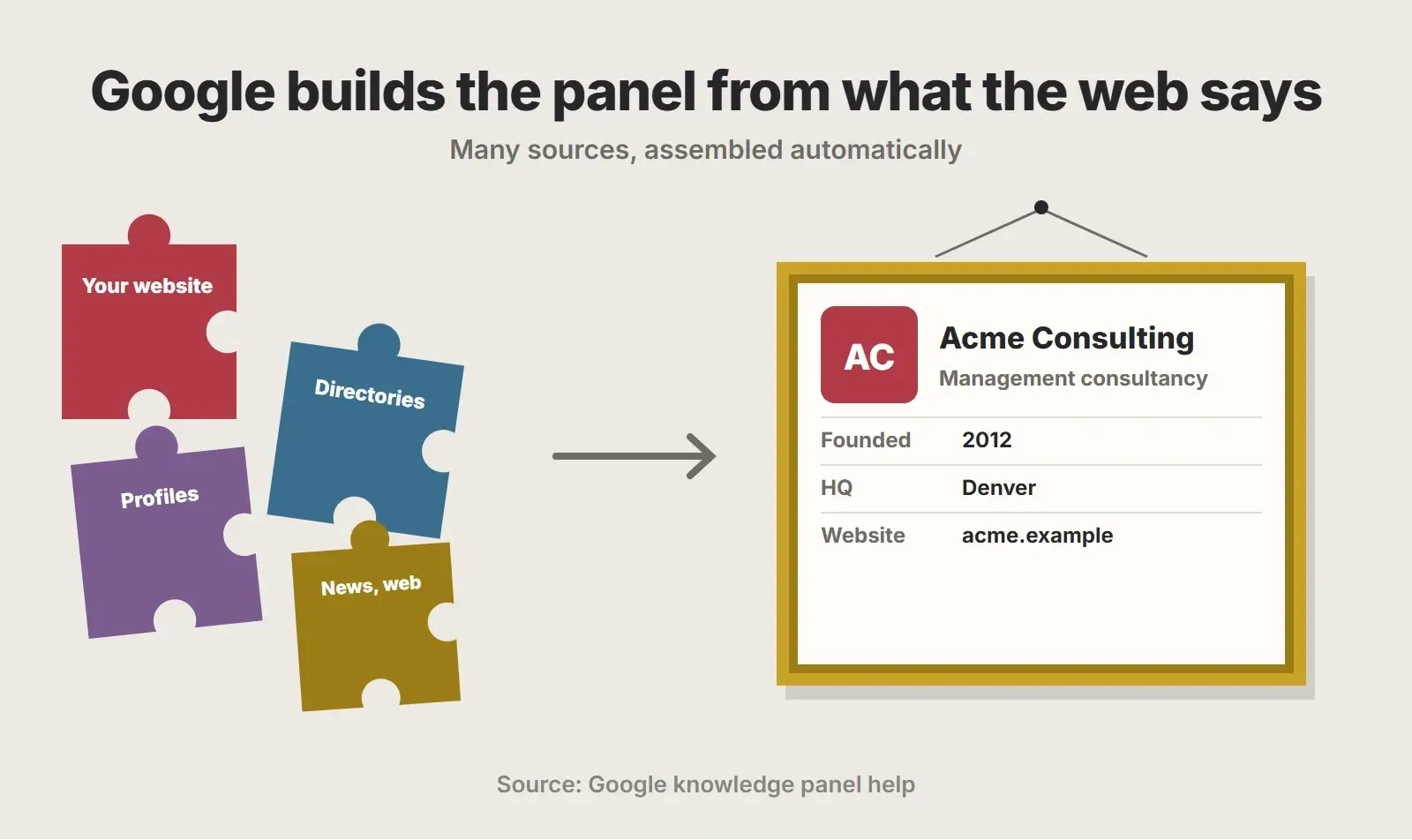
- Your own website: a clear About page, consistent name, logo and description.
- Official profiles: LinkedIn, YouTube, social accounts and other profiles you control.
- Third-party sources: industry directories, associations, news coverage and other sites that mention your business independently.
- Structured data: Organization markup that states your key facts in a format Google reads directly.
Independent mentions matter because they show that others recognise the business, not just the business itself. That takes real-world activity: press coverage, speaking, awards, partnerships and published work. There is no shortcut, and paying for fake profiles or listings is likely to do more harm than good.
How to get a knowledge panel on Google: make your facts consistent
The most practical thing you can control is consistency. If your website says one founding year and an old directory listing says another, or your name appears in three different forms, Google has a harder job deciding what is true.
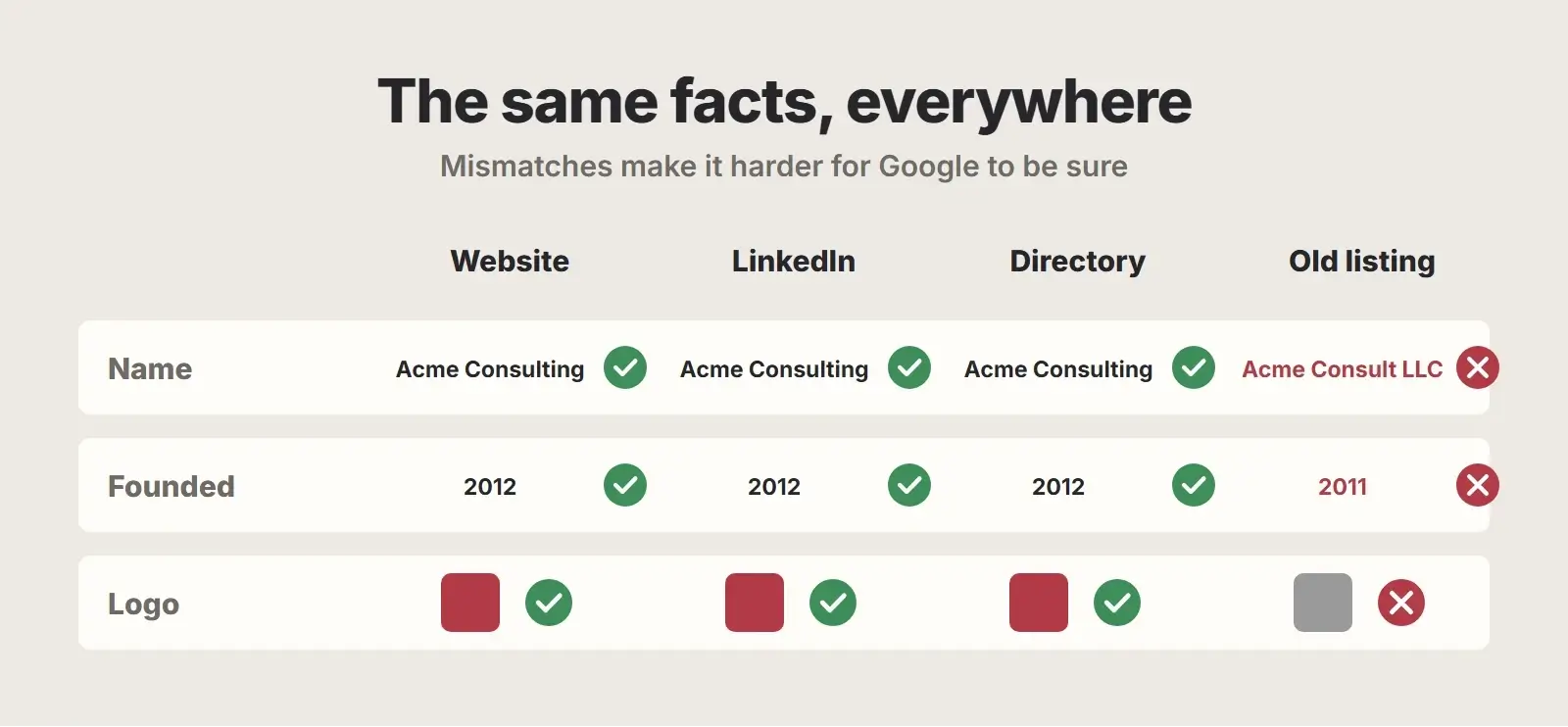
- Use one exact business name everywhere, matching your legal or trading name.
- Use the same logo file and description on your site and every profile.
- Make sure your About page states the founding year, leadership and what you do.
- Link your website to your official profiles, and each profile back to your website.
- Update or remove old listings with outdated names, addresses or logos.
- Keep the facts identical in press releases, author bios and partner pages.
Add Organization structured data
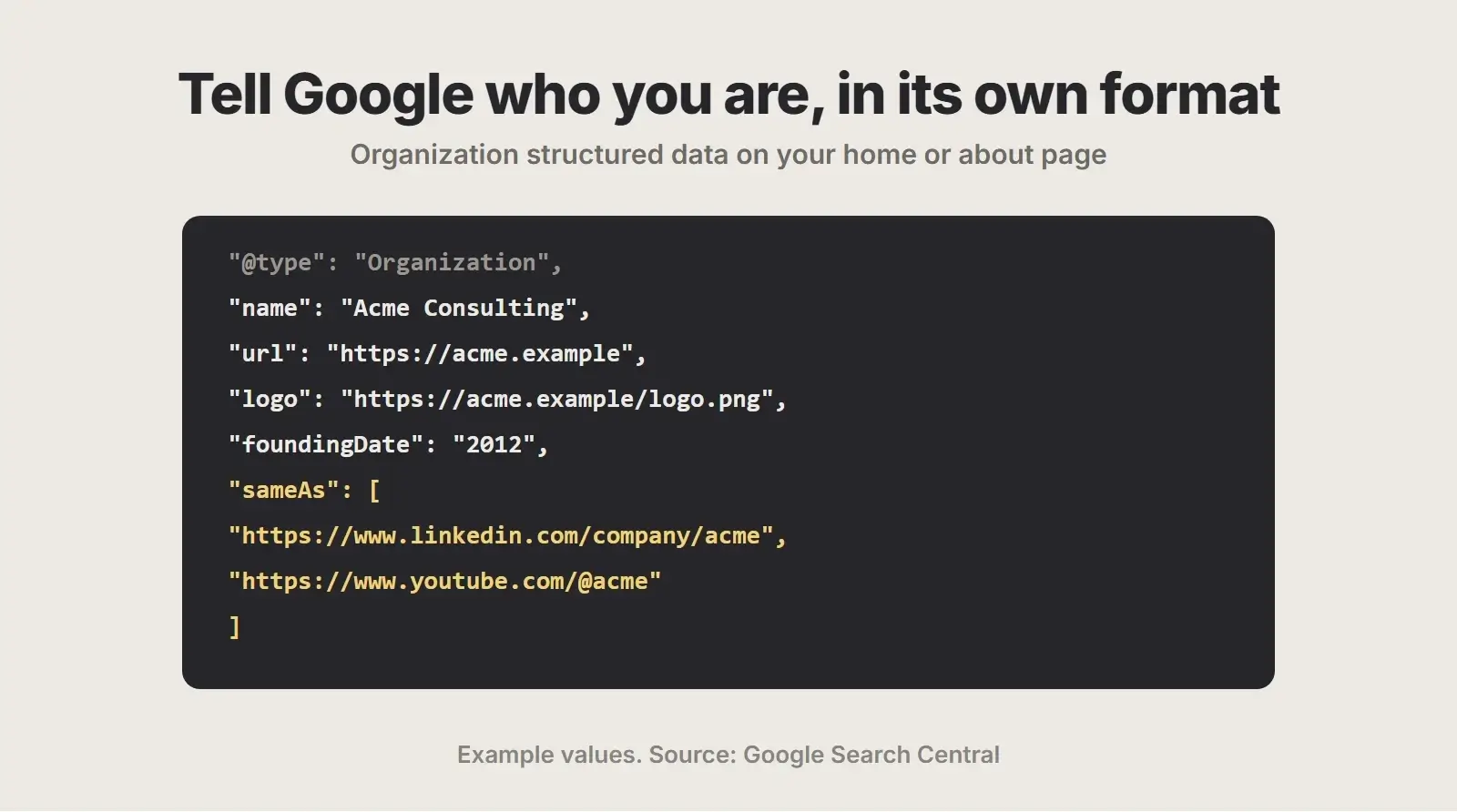
Google’s Organization structured data documentation says the markup can help Google disambiguate your organization in search results, and some properties can influence which logo is shown. Google recommends placing it on your home page or a single page that describes your organization, such as the About page. There are no required properties, but name, url, logo and sameAs are the essentials.
<script type="application/ld+json">
{
  "@context": "https://schema.org",
  "@type": "Organization",
  "name": "Acme Consulting",
  "url": "https://acme.example",
  "logo": "https://acme.example/logo.png",
  "foundingDate": "2012",
  "sameAs": [
    "https://www.linkedin.com/company/acme",
    "https://www.youtube.com/@acme"
  ]
}
</script>
The sameAs property deserves attention. Google defines it as the URL of a page on another website with additional information about your organization. Use it to list your genuine official profiles, so Google can connect them to your site. Only list pages you control or that are really about your business.
Structured data is not a switch that creates a panel. It is one clear, machine-readable signal among many. Our schema markup guide covers the other types worth adding, and our schema and entity optimization team can set it up correctly across your site.
How to claim your knowledge panel
If Google already shows a knowledge panel for your business, you can claim it. Google’s Get verified on Google page lists the steps:
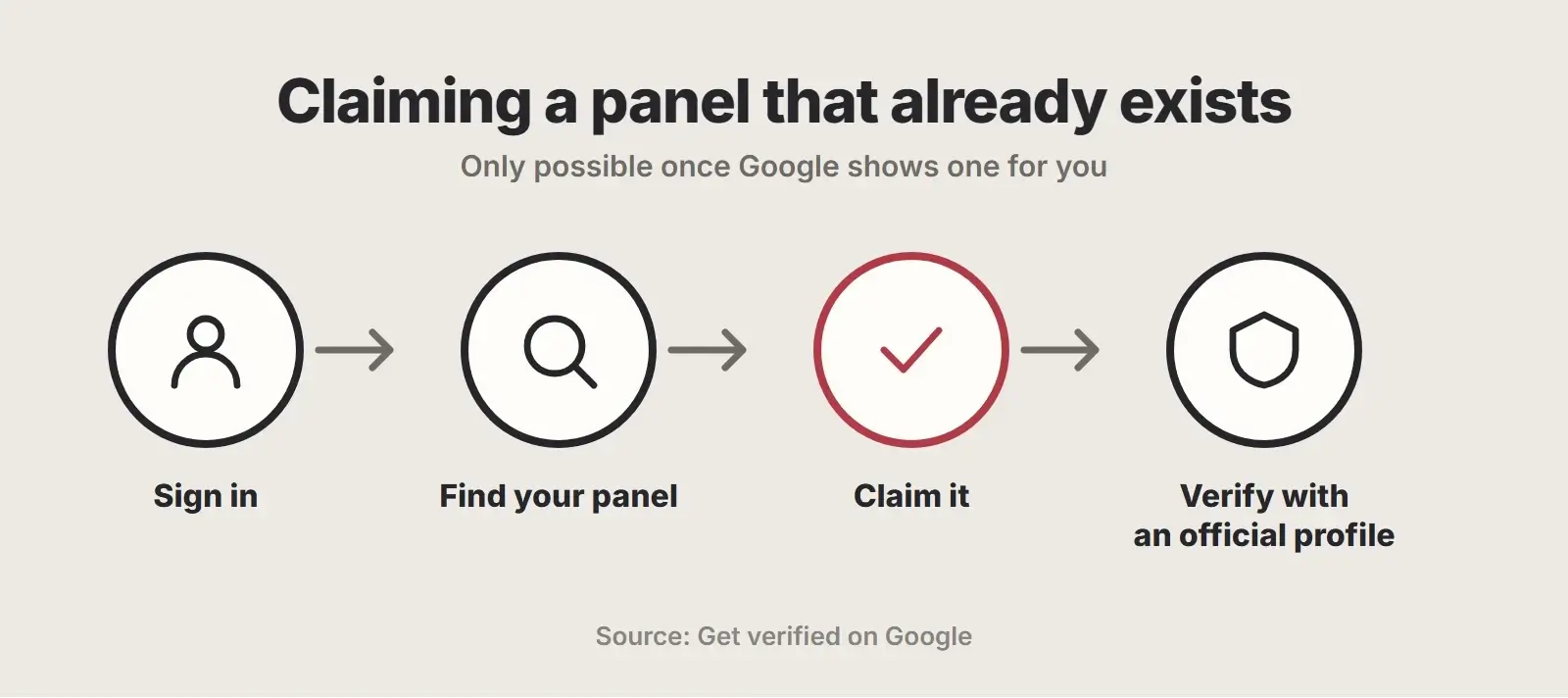
- Sign in to a Google Account.
- Search Google for your business and find the knowledge panel.
- Select Claim this knowledge panel at the bottom of the panel.
- Sign in to one of the official sites or profiles Google lists, such as YouTube, Search Console, Twitter or Facebook, to prove you represent the business.
- If Google can’t connect you to an official site, it asks for more information to verify you.
This is why the website and profile connections above matter twice: they help Google build the panel, and they are how you prove you own it. Verifying through Search Console works if your site is already verified there.
How to update a knowledge panel
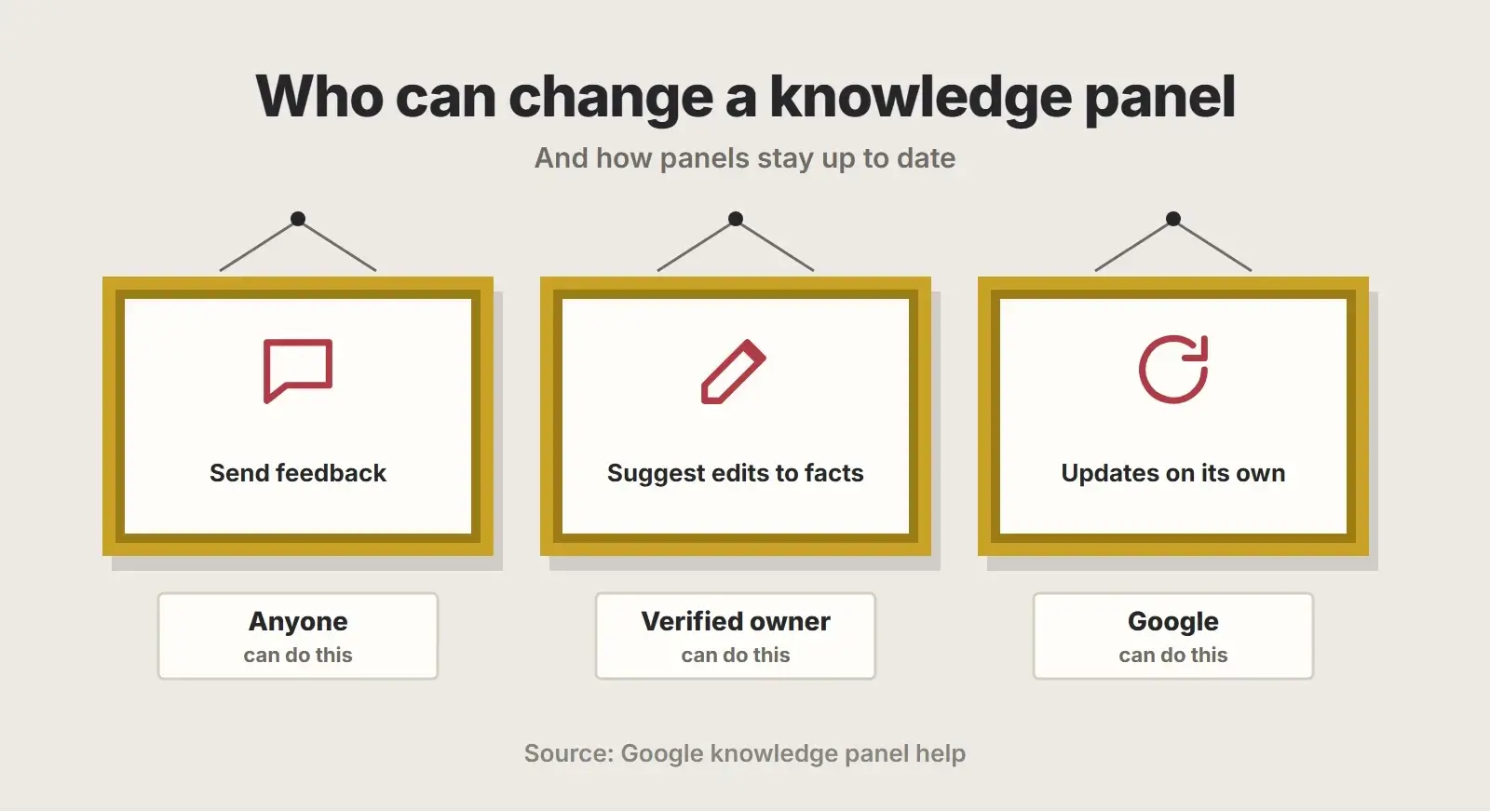
Once verified, you can suggest changes to the facts in your panel. Anyone else can use the feedback link on the panel to report something wrong. Google reviews suggestions rather than applying them instantly, and the panel also updates on its own as information across the web changes.
If an edit doesn’t stick, the usual reason is that the wrong fact is still published elsewhere. Fix it at the source, on your site, your profiles and any listing that repeats it, and the panel tends to follow.
Knowledge panels for founders and authors
People can have knowledge panels too, and for many small firms the founder is better known than the company. The same principles apply. Use one consistent name and job title, keep an up-to-date bio on your company’s About page, link to your genuine professional profiles, and publish real work under your name, such as articles, talks or books. If a panel appears for you, you can claim it the same way, through an official profile you control. Never create fake profiles or pages to manufacture notability: it misleads people and tends to backfire.
Why entity clarity matters beyond the panel
The same understanding that powers knowledge panels also shapes how search engines and AI assistants describe your business. Clear, consistent facts help Google’s AI features describe you accurately, which our guide to getting cited in AI Overviews explores, and they matter far more than files like llms.txt. A strong, recognisable brand identity helps too.
Want Google to recognise your business clearly?
We audit how your business appears across the web, fix inconsistent facts at the source, add Organization and other structured data, and connect your official profiles.
Frequently asked questions
How do I get a knowledge panel on Google?
You can’t request one. Google generates knowledge panels automatically from information across the web. The best you can do is make your business facts clear and consistent on your site and profiles, add Organization structured data, and earn genuine independent mentions that show you are a notable entity.
Can I create a Google knowledge panel for my business?
Not directly. Knowledge panels are automatically generated. If you are a local business, you can create a Google Business Profile, which looks similar and appears in Maps and local results. For an entity knowledge panel, you can only influence the information Google finds and claim the panel once it appears.
How do I claim my Google knowledge panel?
Sign in to a Google Account, search for your business, select Claim this knowledge panel at the bottom of the panel, and sign in to one of the official sites or profiles Google lists, such as YouTube, Search Console, Twitter or Facebook. If that doesn’t work, Google asks for more information.
Does schema markup create a knowledge panel?
No. Organization structured data helps Google identify your organization and can influence which logo is shown, but it doesn’t create a panel by itself. It works alongside consistent facts on your site and profiles and independent mentions across the web.
Why did my knowledge panel disappear?
Knowledge panels are generated automatically and change as Google’s understanding of the web changes, so they can appear, change or disappear without notice. Conflicting or removed information can be a cause. Keep your facts consistent, your profiles active and your structured data accurate.
Final thoughts
A Google knowledge panel can’t be bought or requested. It is Google’s summary of what the web says about you, so the work is to make that story clear and consistent: one name, one logo, the same facts everywhere, Organization structured data on your site and genuine recognition from others. When a panel appears, claim it and keep it accurate. If you serve a local area, pair that work with local SEO, and if you want help with the entity side, ask us about schema and entity optimization or wider AI visibility optimization.