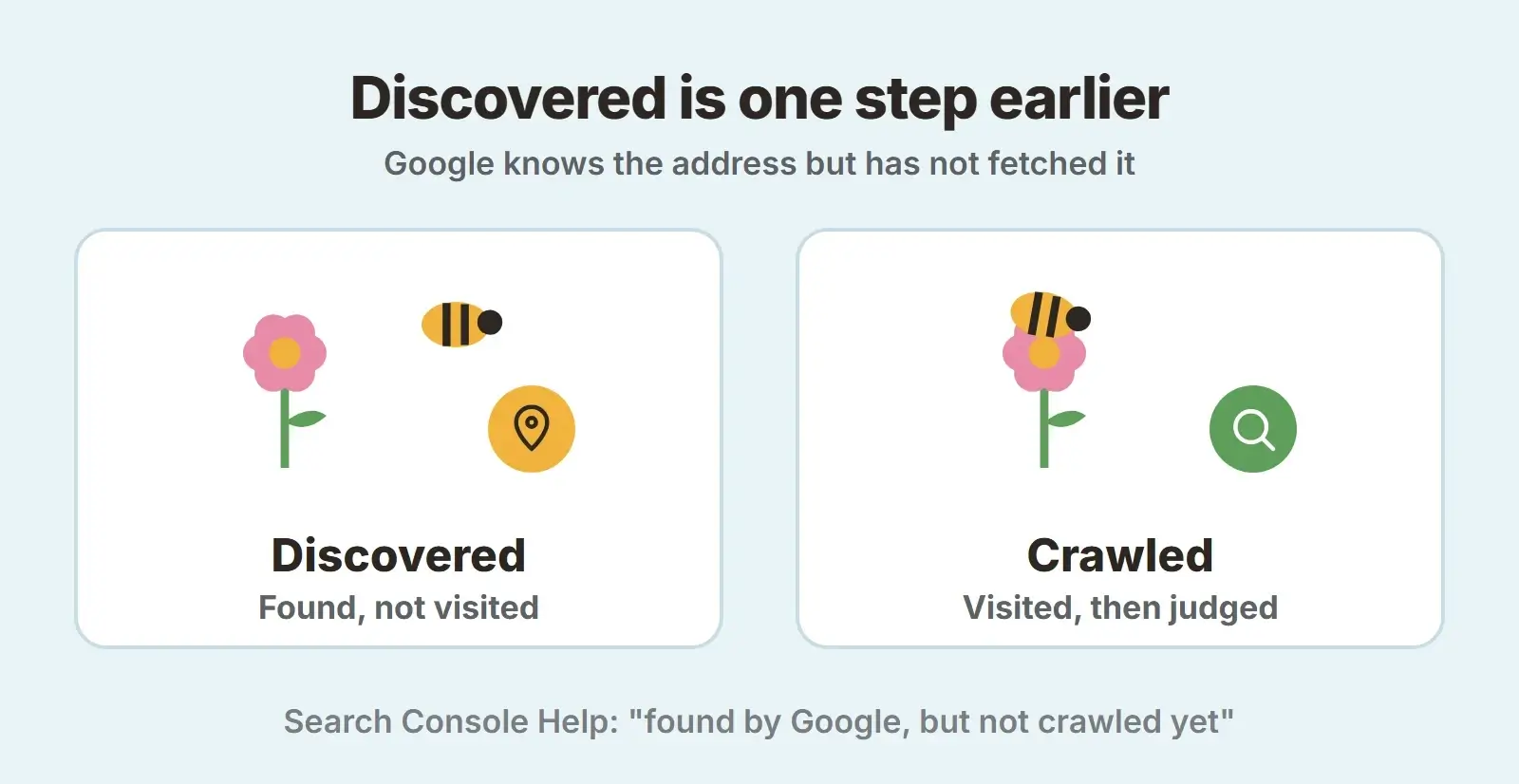
Discovered currently not indexed (shown as Discovered, currently not indexed) is a Google Search Console status that means Google knows a URL exists, for example from a link or your sitemap, but has not crawled it yet. Google says it typically wanted to crawl the URL but expected that doing so would overload the site, so it rescheduled, which is why the last crawl date is empty. In our reading, look at crawl capacity (is your server slow or returning errors?) and crawl demand (does Google see enough value in crawling those URLs soon?). What we would work on: a faster, error-free server, fewer low-value URLs, strong internal links to the pages that matter, an accurate sitemap and content worth crawling.
Advice on this status can jump straight to crawl budget, which Google’s own guide aims at very large sites. This post explains crawl budget in plain words, shows who it is written for, and ranks the changes that can move pages along. If your pages have been crawled but still are not indexed, see our companion guide on crawled, currently not indexed.
- Discovered means Google has the address but has not fetched the page. Nothing about the content has been judged yet.
- Crawl budget is crawl capacity (what your server can handle) plus crawl demand (how much Google wants to crawl).
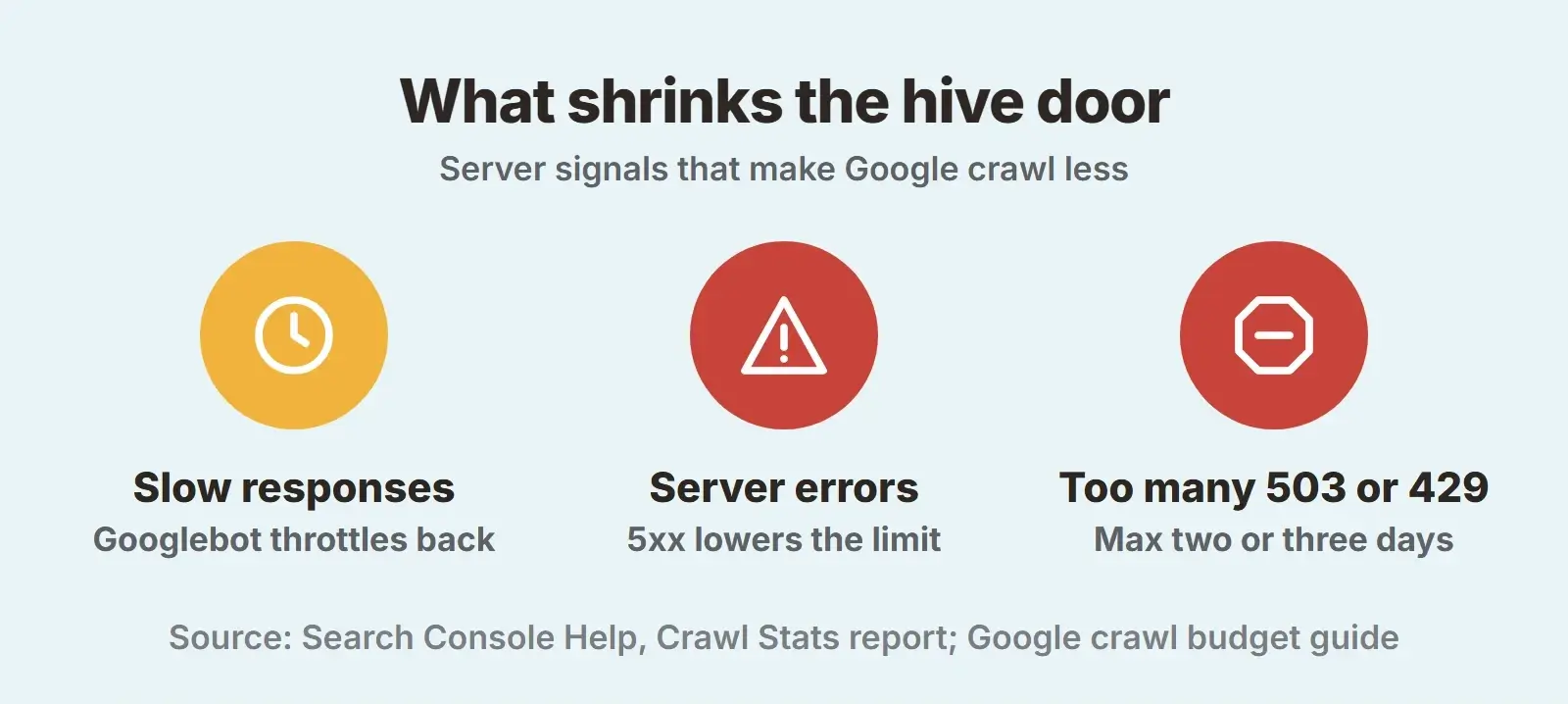
- Slow responses and server errors make Googlebot crawl less, so we would start with speed and uptime.
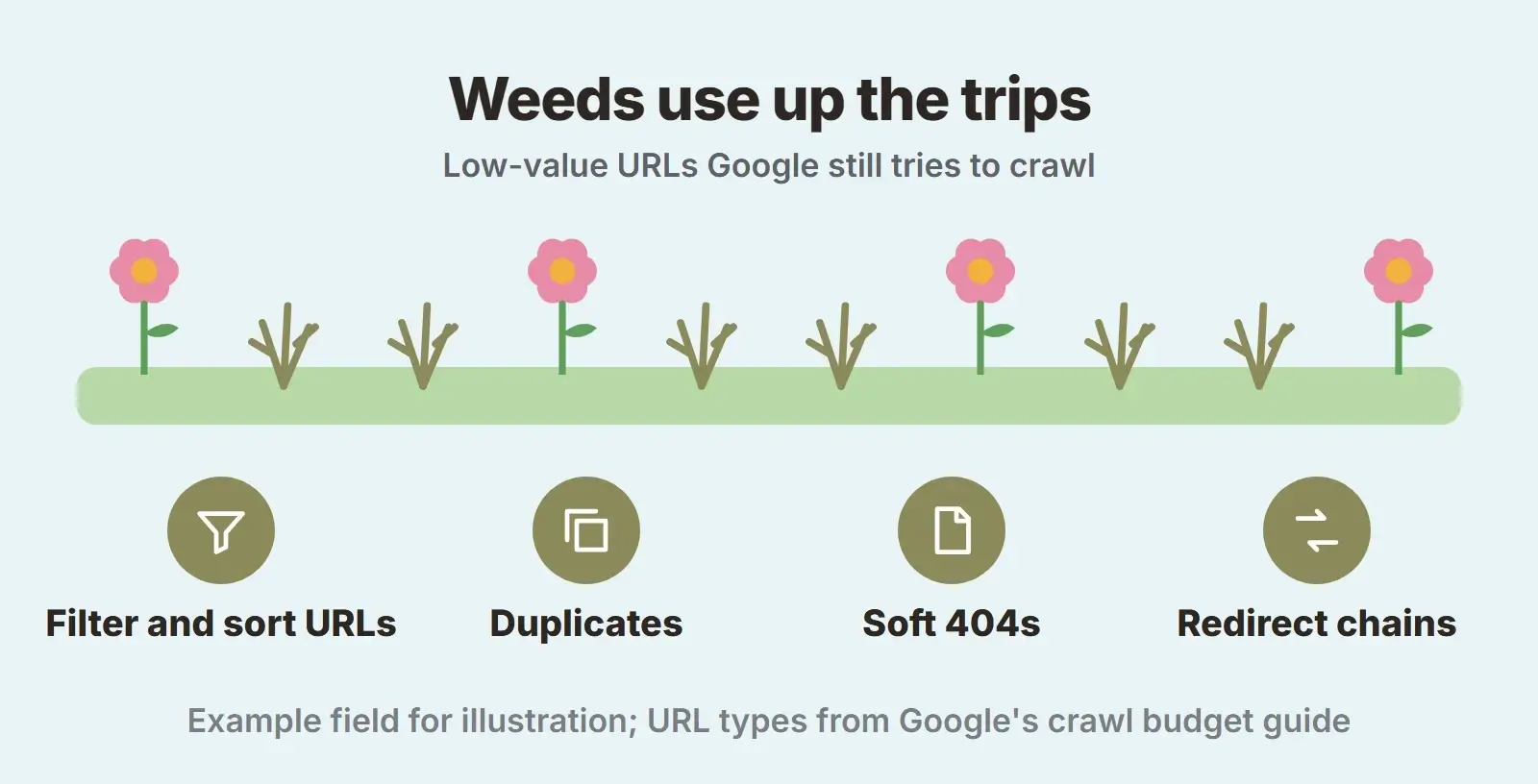
- Thousands of filter, duplicate and soft 404 URLs can use up crawling that your real pages need.
- On a small site, we would start with internal links from pages Google already crawls.
What “discovered, currently not indexed” means
In the Page indexing report, Google’s definition is: the page was found by Google, but not crawled yet. Google adds that this typically happens because it wanted to crawl the URL but that was expected to overload the site, so the crawl was rescheduled. The last crawl date is empty because there has not been one.
| Discovered, currently not indexed | Crawled, currently not indexed | |
|---|---|---|
| Has Google fetched the page? | No | Yes |
| Last crawl date | Empty | Shown |
| Has the content been judged? | No | Yes, and it was not kept for now |
| Where we would look | Crawl capacity or crawl demand | Value, duplication or weak signals |
| Main fixes | Server health, fewer junk URLs, internal links | Better content, canonicals, internal links |
Crawl budget in plain words
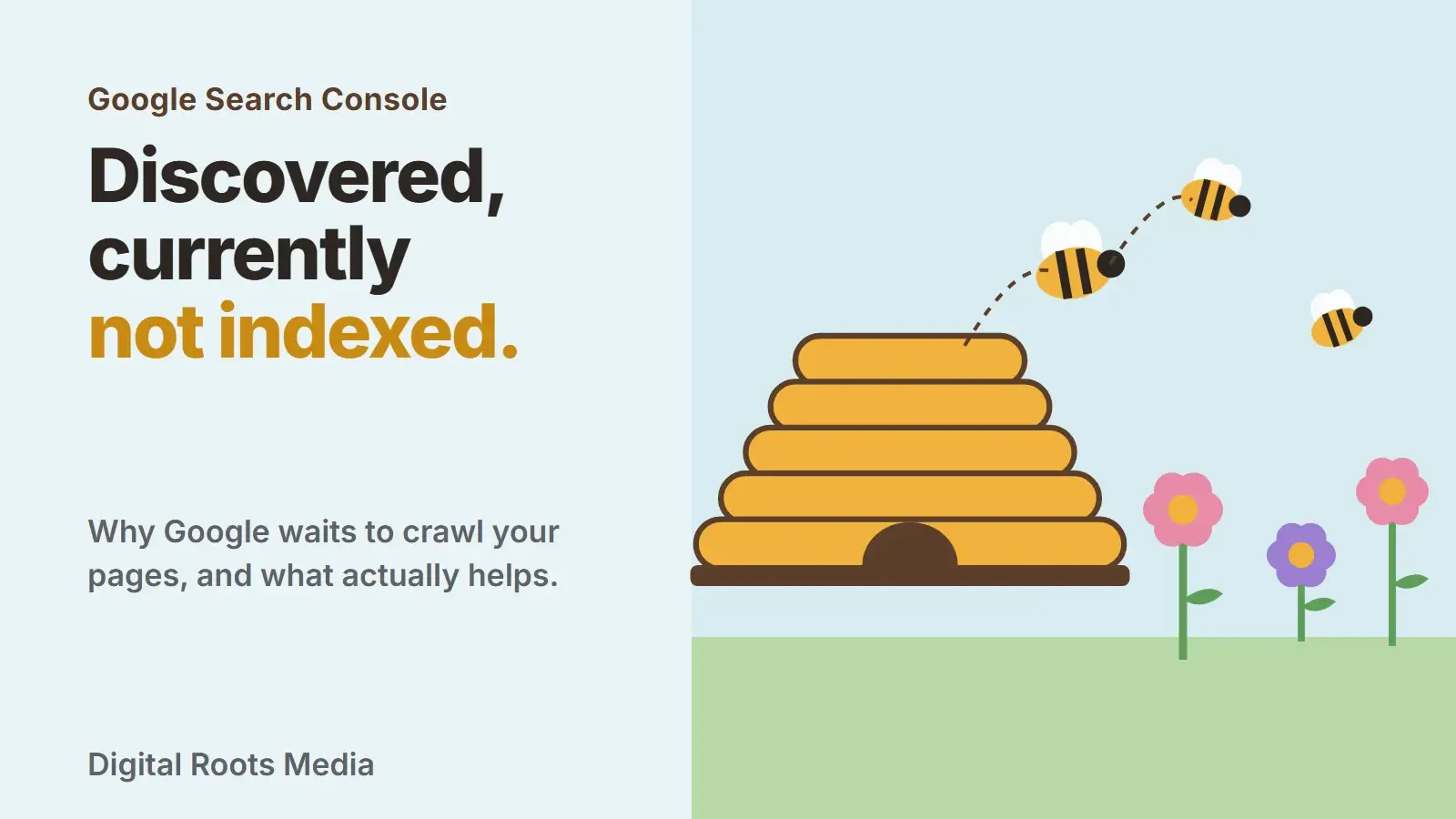
Google’s crawl budget guide defines crawl budget as the set of URLs Google can and wants to crawl. Think of a beehive. Crawl capacity is the hive door: how many trips your server can handle without slowing down. Crawl demand is how attractive the flowers are: how much Google wants to visit your URLs.
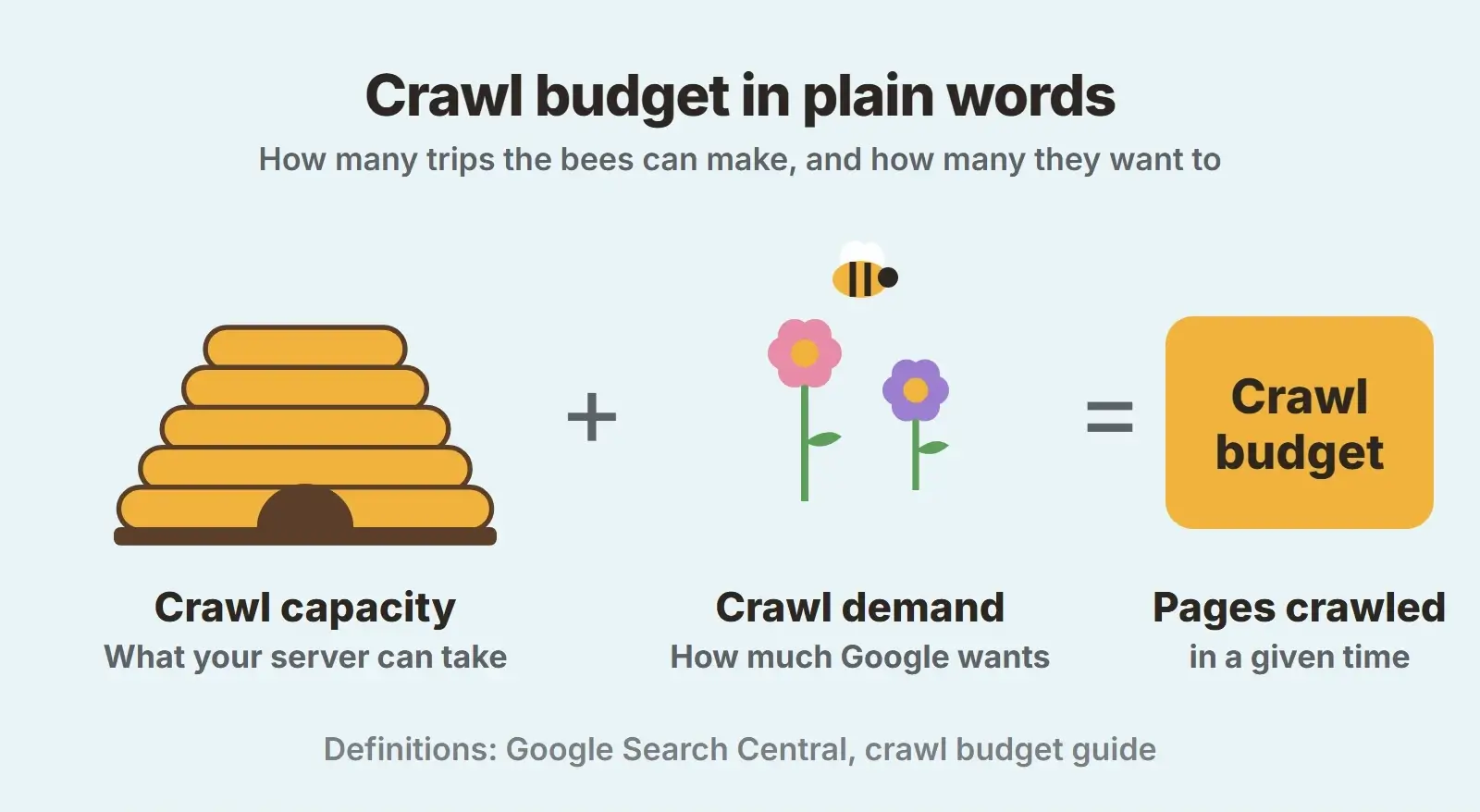
- Crawl capacity goes up when your server answers quickly and reliably, and down when it slows or returns server errors or 429 too many requests responses.
- Crawl demand depends on what Google calls perceived inventory (how many URLs it knows about, including duplicates), popularity (popular URLs are crawled more often) and staleness (Google recrawls to catch changes).
Does crawl budget apply to your site?
Google says the guide is for large sites with about a million or more pages that change weekly, medium sites with 10,000 or more pages that change daily, and sites with a large share of URLs listed as discovered, currently not indexed. It calls those numbers rough estimates.
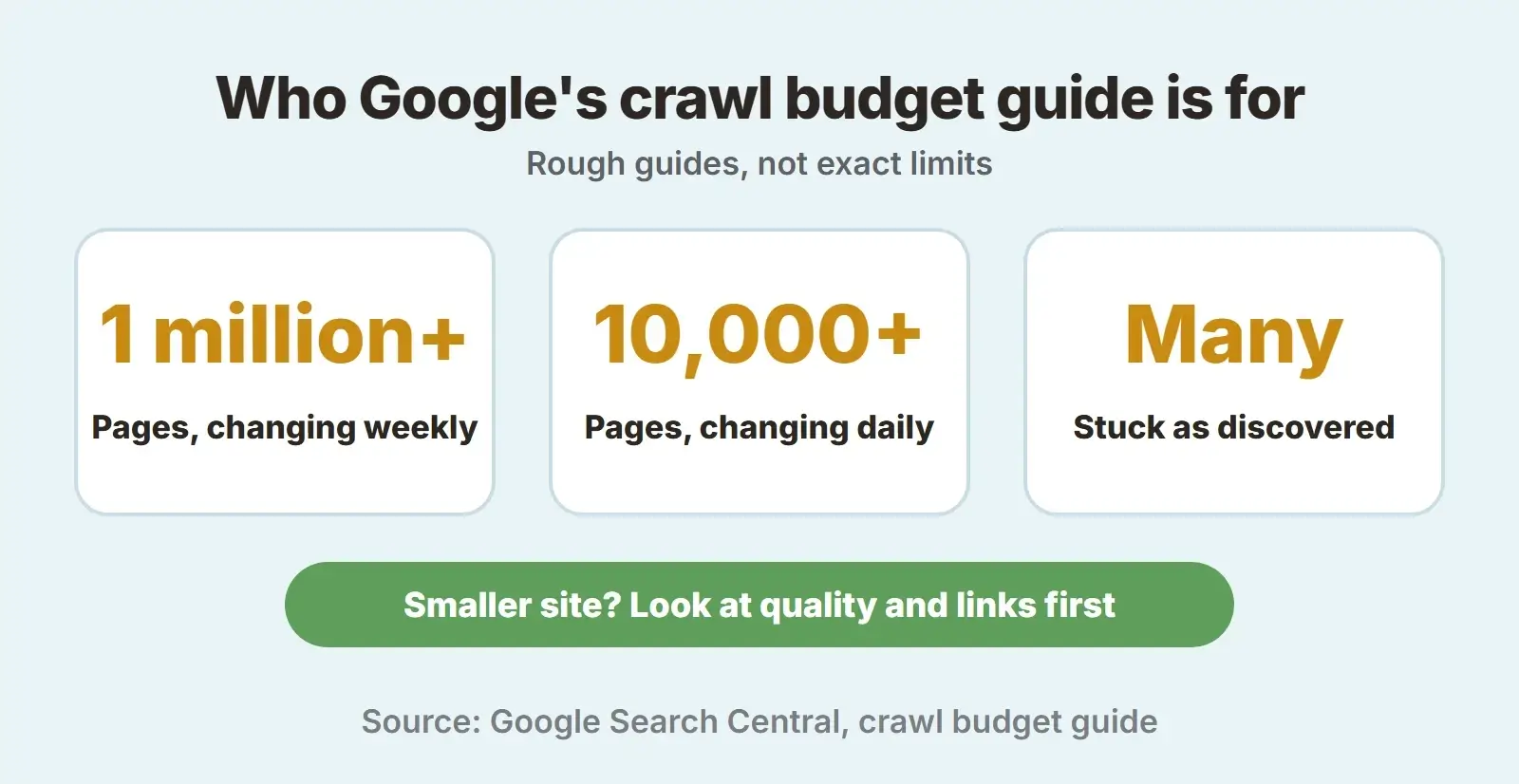
On a smaller business site, we would check three things first: a slow or unstable server, junk URLs you did not know you had, and important pages that are barely linked.
Is it a problem for you?
Open the status in Search Console and look at the URLs. The example table shows up to 1,000 rows, so it is a sample on large sites. Ask two questions:
- Are these pages you want in Google? If the list is mostly filter URLs, tag pages, internal search results or old parameters, the status is telling you about clutter, not lost rankings.
- How long have they been there? A new page may sit here for a while. If pages stay stuck while new posts elsewhere get crawled, we would look at weak links or low demand.
Use the URL Inspection tool on a few important URLs. The Discovery section shows the sitemaps that list the URL and the referring page Google may have used to find it. If the only source is the sitemap, we would add internal links.
What can move pages from discovered to crawled
Here are the fixes in the order we suggest. The first two aim at capacity and waste; the next three aim at demand for the pages that matter. Google does not promise a crawl after any of them.
1. Make the server fast and reliable
Why it helps: Google’s Crawl Stats help page says that if your site responds slowly, Googlebot throttles back to avoid overloading the server, and frequent server errors slow it down too.
What to do: In Search Console, open Property settings (the gear icon), then Crawl stats (labels as of November 2026; it is available for root-level properties) and check average response time and host status for robots.txt, DNS and server connectivity problems. Fix slow hosting, add page caching and make sure overload protection does not return 503 or 429 for more than two or three days. Our post on why a WordPress site is slow covers the server side in detail.
2. Cut the URLs Google should not be crawling
Why it helps: A duplicate, filter combination or soft 404 is a trip that does not reach a real page. Google lists managing your URL inventory among its best practices.
What to do: Consolidate duplicates, block truly unimportant URL patterns such as endless filter and sort combinations in robots.txt, return 404 or 410 for pages you removed, fix soft 404s and shorten redirect chains. Note Google’s warning: do not use noindex to save crawl budget, because Google still has to request the page to see the tag. Online stores should read our guide on faceted navigation SEO.
3. Link to the pages that matter
Why it helps: Google’s link guidance says every page you care about should have a link from at least one other page on your site. In our view, links from pages Google already crawls are a clear way to show a URL is worth a visit.
What to do: Link new and stuck pages from your navigation, a relevant hub or category page and two or three related posts or services, using normal anchor links with descriptive text. Do not rely on a sitemap alone.
4. Keep the sitemap clean and accurate
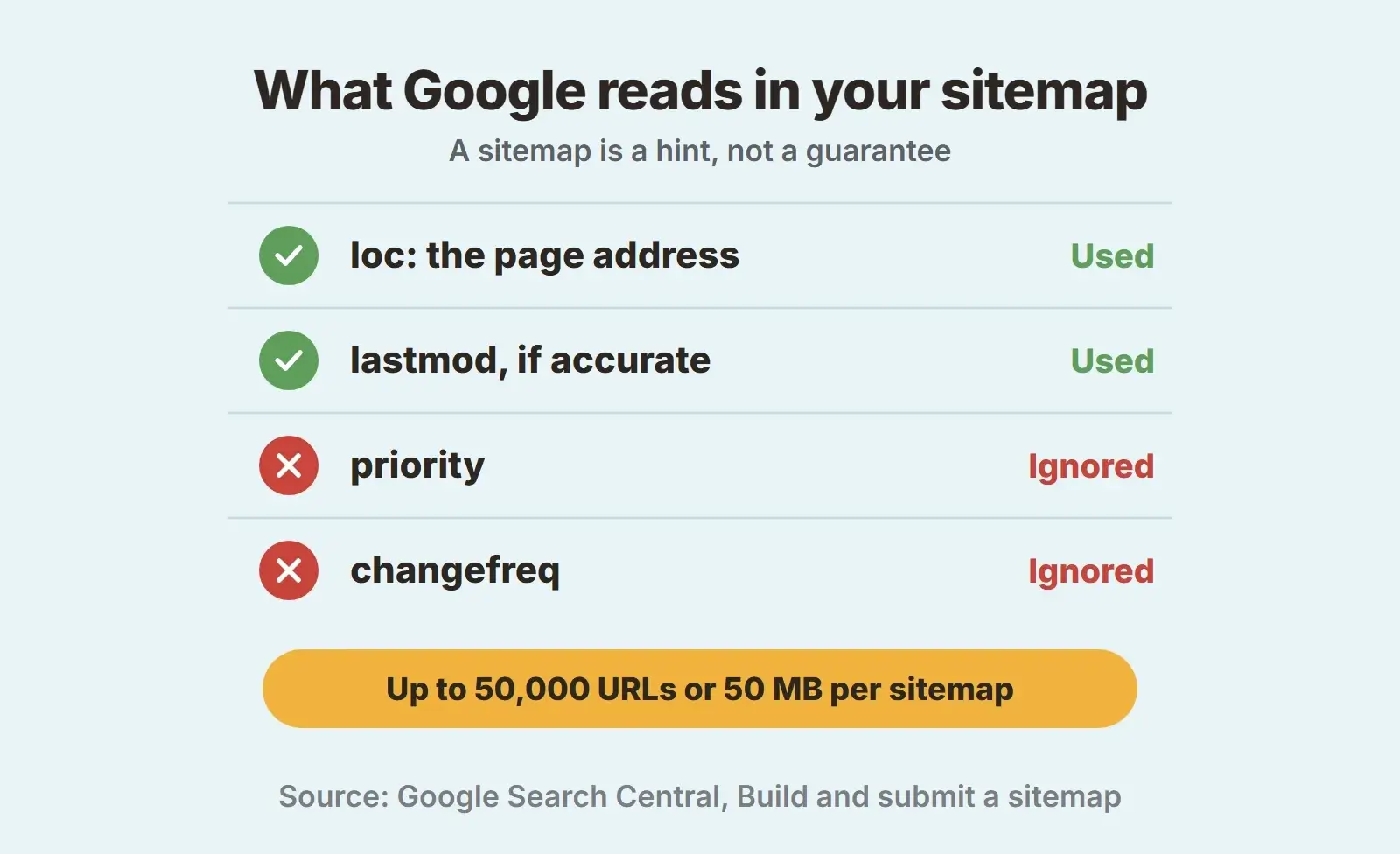
Why it helps: A sitemap helps Google find URLs and spot changes, but Google calls it a hint, not a guarantee.
What to do: Follow Google’s sitemap guidelines: up to 50,000 URLs or 50 MB per file, only canonical URLs you want indexed, and an accurate lastmod date, which Google uses only when it is consistently and verifiably correct. Priority and changefreq are ignored, so do not spend time on them.
5. Publish fewer, better pages
Why it helps: Crawl demand reflects how much Google wants your URLs. In our reading, a site that publishes many near-identical pages gives Google less reason to hurry to its new URLs.
What to do: Before adding batches of location, tag or programmatic pages, make sure each one says something the others do not. Merge thin pages, and put effort into fewer pages people actually link to and visit.
Pages stuck in discovered for months?
Our technical SEO team checks your Crawl stats, URL inventory, internal links and sitemaps, removes the waste and points Google’s visits at the pages that bring you business.
What does not help
- Requesting indexing over and over. The URL Inspection tool has a daily limit, and a request does not guarantee inclusion. Use it once for key pages after you fix something.
- Adding noindex to save crawl budget. Google still requests the page to see the tag.
- Setting priority or changefreq in the sitemap. Google ignores both.
- Resubmitting the same sitemap every day. If nothing changed, nothing new is learned.
- Third-party indexing services. They do not fix capacity or demand on your site.
How to check progress
Once you have made changes, watch three things over the following weeks: the Crawl stats report (look for response time falling and requests to useful URLs rising), URL Inspection on a handful of important pages (Last crawl should get a date), and the discovered count in the Page indexing report. If you click Validate Fix, Google says validation typically takes up to about two weeks and can take longer.
Remember that the goal is not zero. Google’s report says you should not expect every URL on your site to be indexed, only the canonical pages. If your important pages move to indexed and the discovered list is mostly clutter, the work has succeeded. Our Google Search Console guide explains the other reports you will use along the way.
- Sort the example URLs into pages you want indexed and clutter.
- Check Crawl stats for slow response times and host status problems.
- Fix slow hosting, add caching and stop long runs of 503 or 429 responses.
- Block endless filter, sort and internal search URLs in robots.txt.
- Return 404 or 410 for removed pages and fix soft 404s.
- Consolidate duplicates and shorten redirect chains.
- Link each important stuck page from navigation, a hub and related pages.
- Keep only canonical, indexable URLs in the sitemap with accurate lastmod dates.
- Merge thin or near-identical pages before publishing more.
- Request indexing once for key pages, then watch Crawl stats and URL Inspection.
If you are tackling several Search Console problems at once, our technical SEO audit guide suggests an order to work in.
Frequently asked questions
What does discovered currently not indexed mean?
It means Google has found the URL, for example through a link or a sitemap, but has not crawled it yet. Google says it typically postponed the crawl because crawling then was expected to overload the site. Because there has been no visit, Google has not judged the content, and the last crawl date in the report is empty.
How do I fix discovered currently not indexed?
Make sure the server responds quickly without errors, remove or block low-value URLs such as filter combinations and duplicates, link to the important pages from pages Google already crawls, and keep your sitemap accurate. Then request indexing once for key pages and watch the Crawl stats report and URL Inspection over the next few weeks.
Is discovered currently not indexed a crawl budget problem?
Sometimes. Google’s crawl budget guide is aimed at very large sites and sites with many URLs in this status. On a small business site, we would first check for a slow server, junk URLs and important pages with few internal links. Those fixes aim at both crawl capacity and crawl demand.
How long do pages stay discovered but currently not indexed?
Google gives no set time, and it does not guarantee a crawl. If important pages stay stuck for several weeks, we would treat that as a signal to improve server health, internal links and URL clutter. Check progress with URL Inspection, where the Last crawl field gets a date once Google has visited.
Should I delete pages that are discovered but currently not indexed?
Not automatically. Delete or block them only if they are clutter, such as filter URLs, duplicates or pages you no longer need, returning 404 or 410 for removed pages. Pages you want in Google should be kept, linked better and left in the sitemap. In our view, deleting good pages only because they are waiting will not help.
Final thoughts
Discovered, currently not indexed is Google saying it knows where your pages are but has not made the trip. Widen the door with a fast, stable server, clear the weeds, and make the important pages easy to reach. If you want help, our technical SEO service fixes crawling and indexing problems, our WordPress speed optimization work improves server response, and for large catalogues our ecommerce SEO team tackles filter and duplicate URLs. An SEO audit is a good first step if you are not sure where to start.