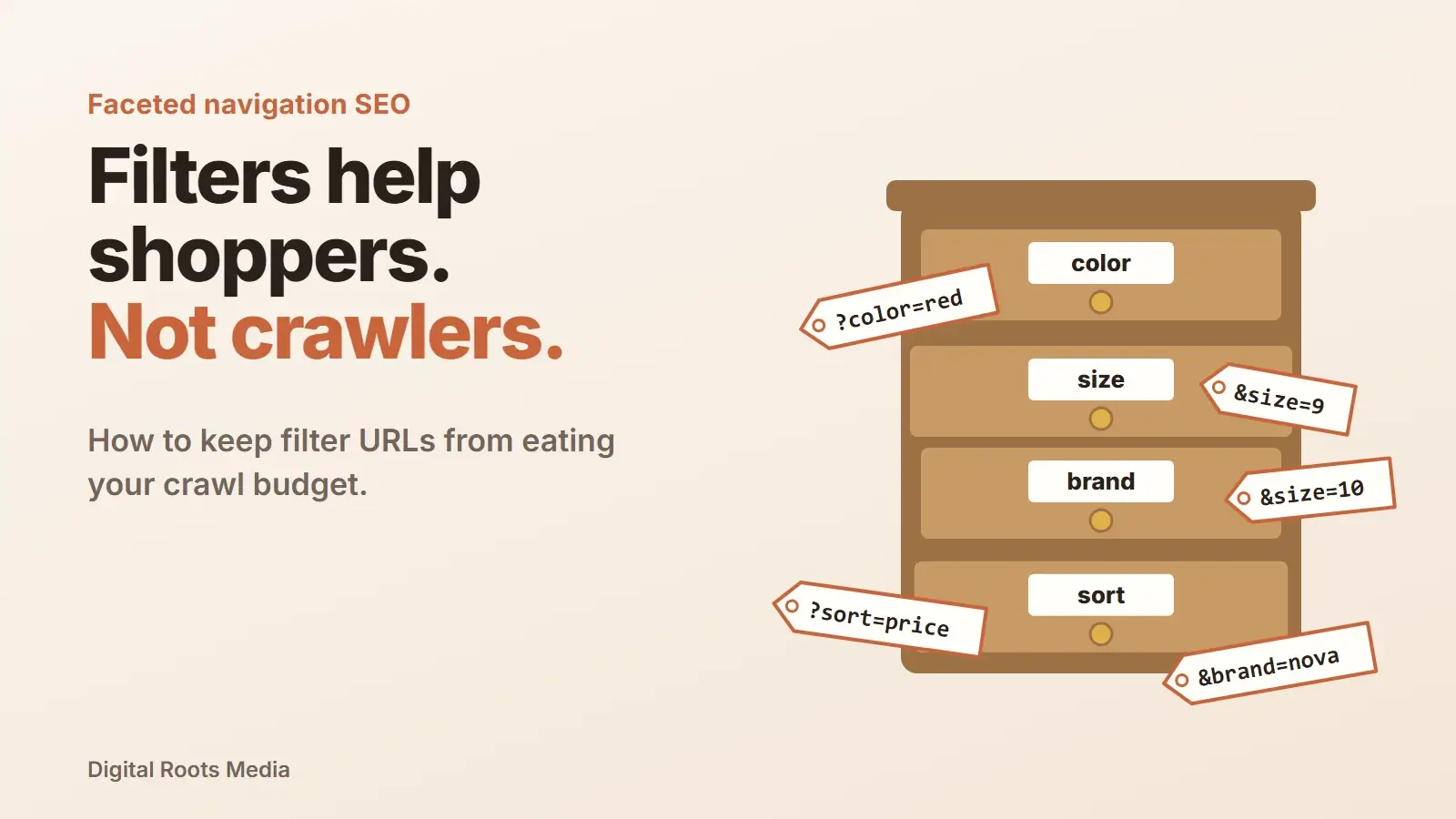
Faceted navigation SEO is the work of letting shoppers filter products by color, size, brand or price without letting those filters flood Google with near-duplicate URLs. Google says faceted navigation can cause overcrawling and slower discovery of new pages. The fix is a decision for each filter: if people search for it, make it a proper indexable page. If not, keep it out of the crawl with robots.txt or URL fragments.
Filters are great for shoppers. Most online stores need them. But each one multiplies the number of URLs on your site, and search engines can spend their time crawling filter combinations instead of your new products. This guide follows Google’s own faceted navigation documentation and shows which filters to index, which to block and how to set it up without hurting the pages that sell.
- Faceted navigation creates a URL for every filter combination, often thousands per category.
- Google says crawling those URLs uses server resources and can delay discovery of new products.
- Index a facet only when people search for it, and give it unique content.
- Block the rest with robots.txt or URL fragments. Google rates these above canonical and nofollow.
- For indexable filters, use the & separator, a fixed order and a 404 for empty results.
What is faceted navigation?
Faceted navigation is the set of filters on a category or search page that lets visitors narrow down a list of products: color, size, brand, price range, material, rating and sort order. Each choice usually adds a parameter to the URL, such as /shoes?color=red&size=9, or a folder, such as /shoes/red/size-9/.
For shoppers, that is ideal. They find the right product in a few clicks. For search engines, every one of those URLs looks like a separate page, even though most of them show the same products in a slightly different selection.
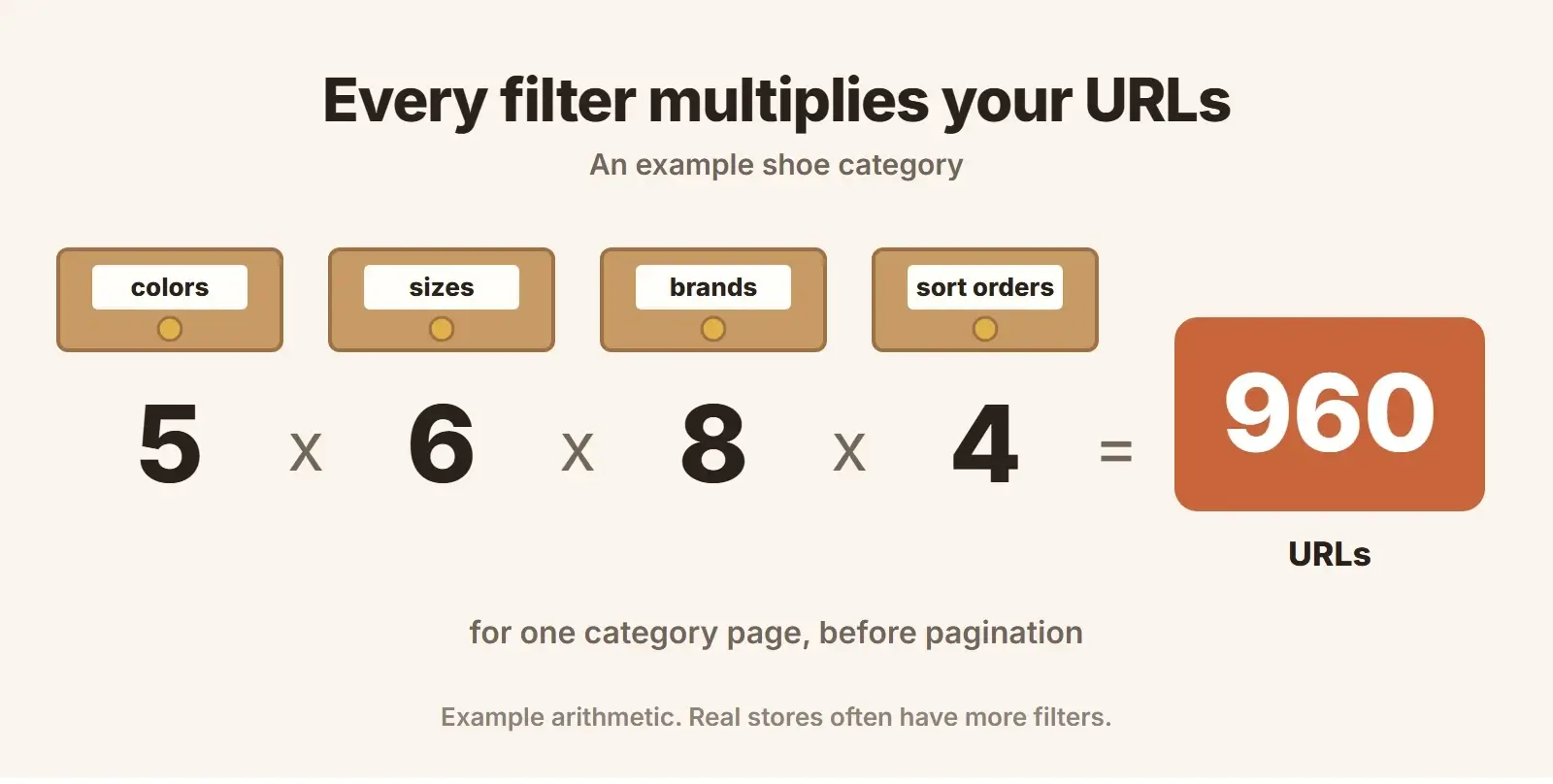
The numbers grow fast. Five colors, six sizes, eight brands and four sort orders give 960 combinations for one category, and that is before pagination, price ranges or a second value picked in the same filter. A store with 50 categories can produce tens of thousands of filter URLs from a small catalog.
Why faceted navigation hurts SEO
Google’s Crawling December post puts it plainly: crawling faceted navigation URLs always consumes server resources and may affect the discovery of new content. The faceted navigation documentation names two problems:
- Overcrawling. Crawlers access a very large number of filter URLs before they can tell they are not useful.
- Slower discovery crawls. Time spent on filters is time not spent finding your new and updated pages.
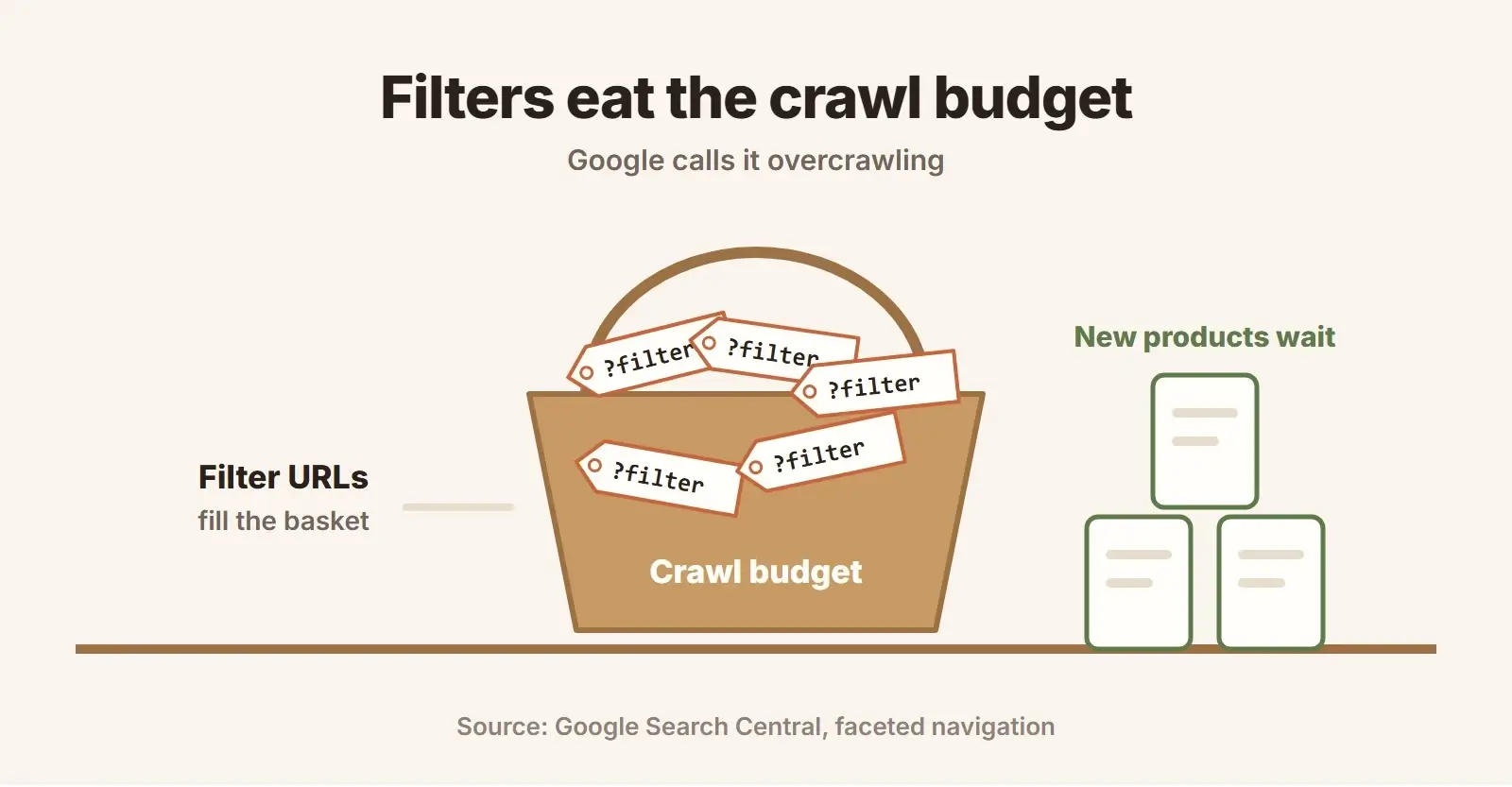
This connects to crawl budget, which Google defines as the set of URLs it can and wants to crawl on a site. Google’s crawl budget guide says it mainly matters for large sites, roughly a million or more pages that change weekly, or 10,000 or more pages that change daily, and for sites with many URLs stuck as Discovered, currently not indexed in Search Console. Google calls those numbers a rough estimate. Faceted navigation is exactly how a modest store reaches those sizes without meaning to.
There are other costs too. Thousands of thin, similar pages split signals between duplicates, and they make your Search Console reports noisy and hard to read.
Step 1: decide which filters deserve to be indexed
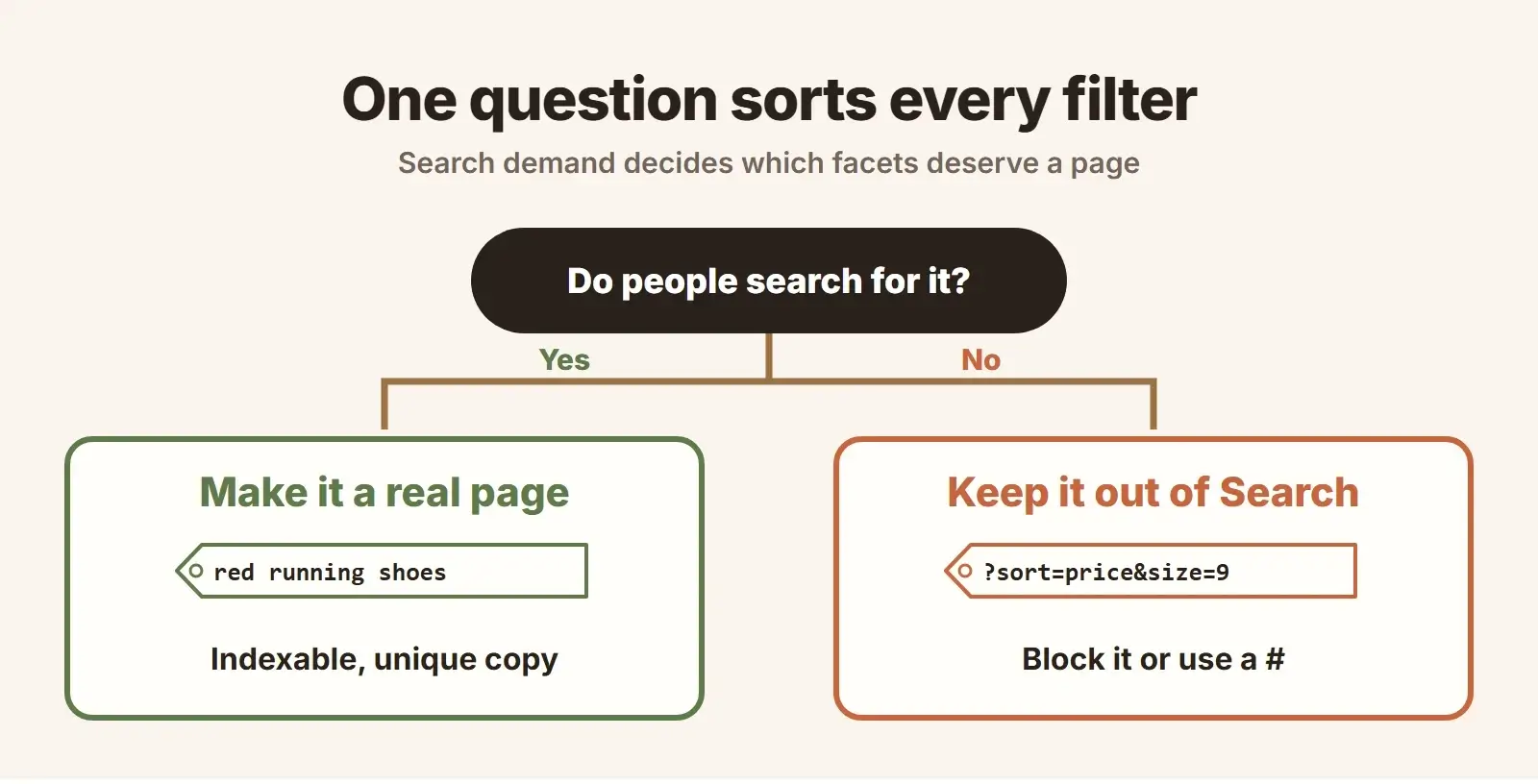
Before touching robots.txt, sort your filters. The question for each one is simple: do people search for this combination?
| Filter type | Example | Usually index? | Why |
|---|---|---|---|
| Category plus type | running shoes, trail shoes | Yes | Clear search demand, works as a category |
| Category plus brand | Nike running shoes | Often | Brand searches are common for many products |
| Category plus color | red running shoes | Sometimes | Check search demand first |
| Size | size 9 | Rarely | Few people search by size alone |
| Price range | under $100 | Rarely | Better as a filter than a page |
| Sort order | price low to high | Never | Same products, different order |
| Stacked filters | red, size 9, on sale | Almost never | Too specific, mostly duplicates |
Use keyword research to confirm demand, not instinct. The facets that pass deserve more than a filtered list: a clean URL, a unique title and H1, a short intro written for that search, internal links from the main category and a place in your XML sitemap. In other words, treat them as category pages. Product structured data on the product pages still does its job either way.
Step 2: keep the rest out of the crawl
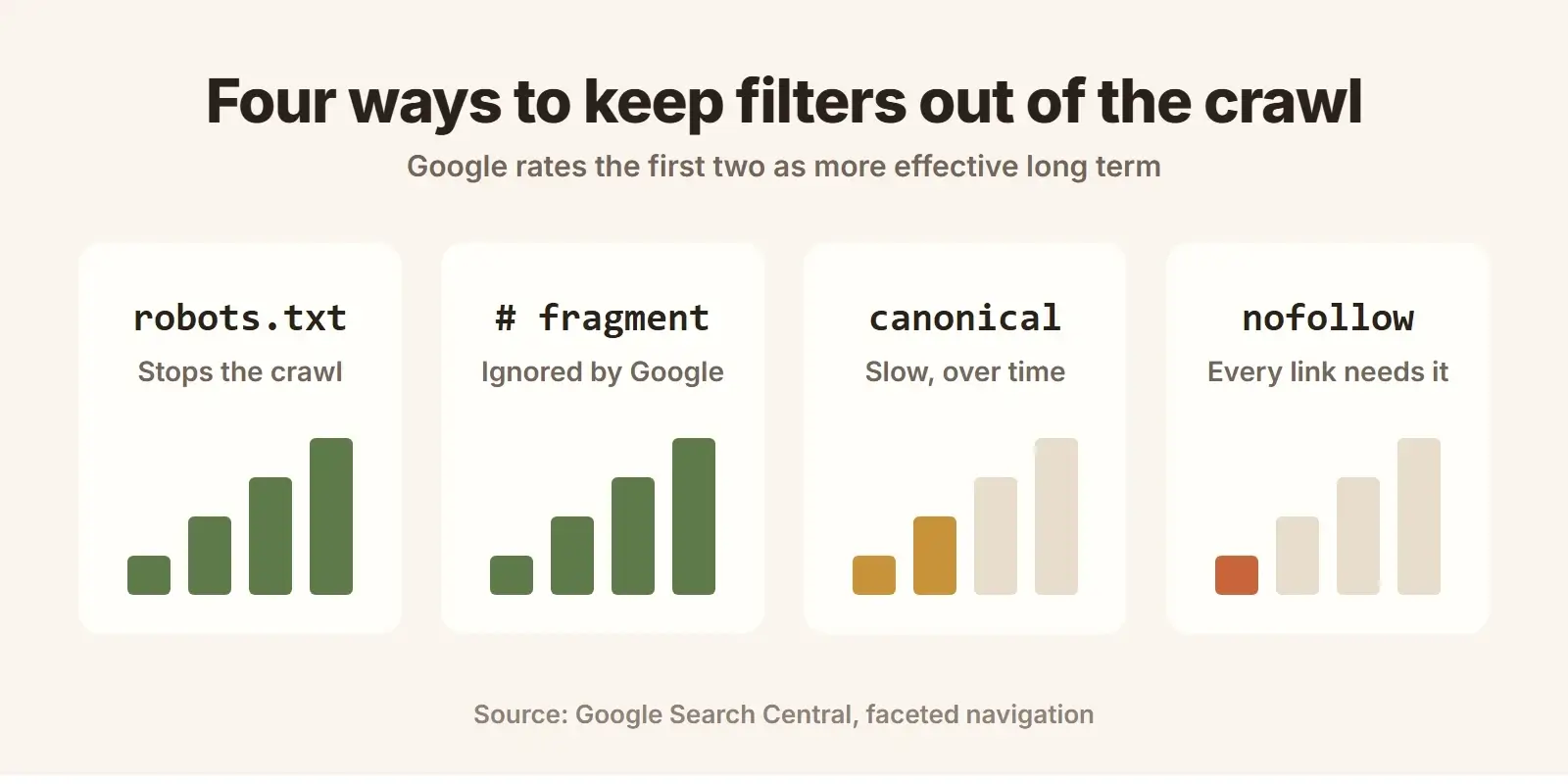
For filters that don’t need to be in Google, Google’s documentation describes four methods. Two of them stop the crawl, and two only discourage it:
robots.txt disallow
Google says there is often no good reason to allow crawling of filtered items, and robots.txt is the most direct way to stop it. Block the filter parameters and keep the unfiltered category crawlable. This example follows the pattern in Google’s documentation:
user-agent: Googlebot
disallow: /*?*color=
disallow: /*?*size=
disallow: /*?*sort=
allow: /*?category=shoes$
Test every rule before it goes live, and make sure it never matches your indexable facet pages or your product URLs. A wildcard in the wrong place can block a whole category.
URL fragments
Google says it generally doesn’t support URL fragments, the part after a # sign, in crawling and indexing. If your filters change the page through JavaScript and store the state after a #, such as /shoes#color=red, Google simply sees /shoes. This works well for new builds where developers can choose how filters behave.
rel=canonical and rel=nofollow
A canonical tag pointing filtered URLs to the unfiltered category may, over time, reduce how often Google crawls the filtered versions. A nofollow on filter links can help too, but Google notes every link pointing to a URL must carry it to work. Both are weaker than robots.txt. One common mistake to avoid: noindex does not save crawl time. Google’s crawl budget guide says Google will still request the page, then drop it.
Step 3: build indexable facet URLs the way Google reads them
For the filter pages you keep in Search, Google gives three rules:
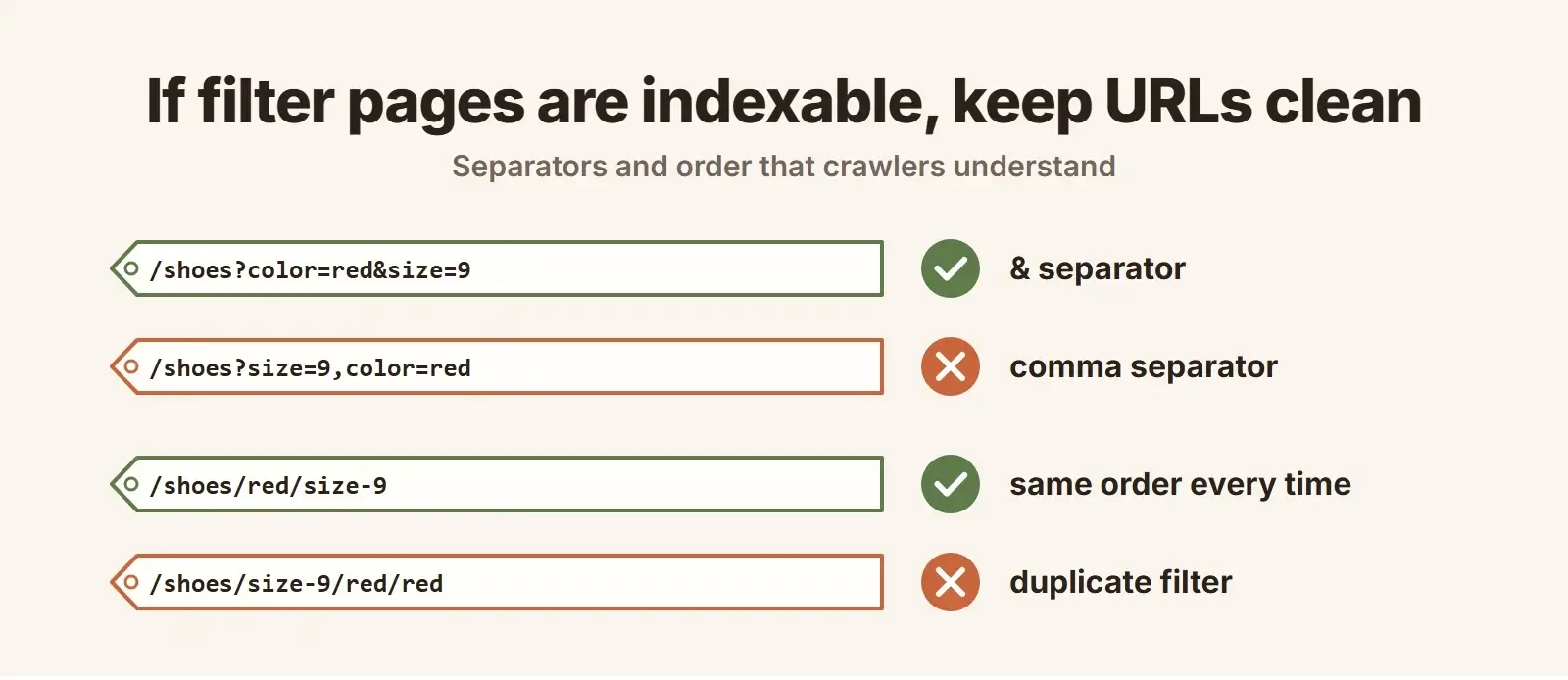
- Use the & separator. Google says commas, semicolons and brackets are hard for crawlers to recognize as separators.
- Keep filter order fixed. /shoes/red/size-9/ and /shoes/size-9/red/ should not both exist. Pick one order and redirect or block the other.
- Never allow duplicate filters. A URL like /shoes/red/red/ should not resolve.
Return a 404 when a filter has no results
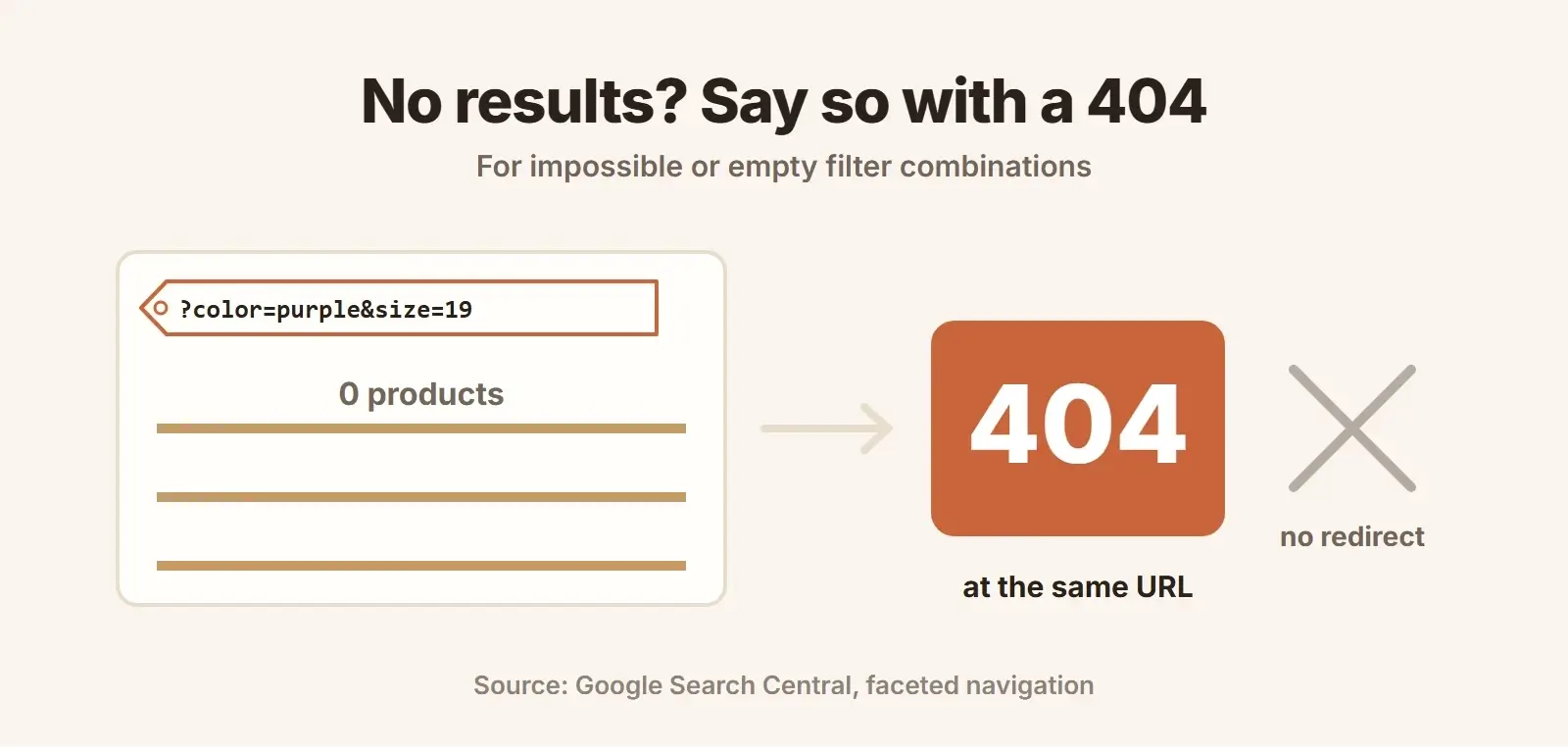
Google asks for an HTTP 404 status when a filter combination returns no results, such as duplicate filters, combinations that make no sense or pagination pages that don’t exist. Serve the 404 at the URL itself. Do not redirect it to a generic not found page.
Faceted navigation checklist
- List every filter and sort option, and how each one changes the URL.
- Check search demand for each filter combination you might index.
- Turn the facets with demand into real pages: clean URL, unique title, H1, intro and internal links.
- Block every other filter parameter and sort order in robots.txt, or move them to URL fragments.
- Use the & separator, one fixed filter order and no duplicate filters on indexable facets.
- Return a 404 for empty, duplicate or impossible filter combinations.
- Keep only canonical category and facet pages in your XML sitemap.
- Watch crawl stats and Discovered, currently not indexed URLs in Search Console after the change.
Platforms behave differently here. Shopify, WooCommerce and Magento each generate filter URLs in their own way, and apps or plugins often add more. A crawl of your live store shows what Google actually sees, which is why this belongs in every technical SEO audit. If filters also slow your pages down, our technical SEO work covers speed as well.
Common faceted navigation mistakes
- Blocking everything, including facets with search demand. You lose pages that could rank for valuable searches.
- Using noindex to save crawl budget. Google still crawls noindex pages.
- Relying only on canonical tags. They work slowly, and Google can choose a different canonical when pages differ.
- Blocking a URL in robots.txt and also adding noindex. Google can’t see the noindex on a page it isn’t allowed to crawl.
- Linking to filter URLs from menus and footers. Every sitewide link to a filter invites a crawl.
- Forgetting internal search pages. Site search results can create the same problem as filters.
Getting filters right also makes a store easier to use. Our ecommerce design guide covers how filters should work for shoppers, and our ecommerce website design team builds them with SEO in mind from day one. For very large catalogs, see our enterprise SEO services.
Is your store’s crawl budget going to filters?
We map every filter and parameter on your store, decide which facets deserve to rank, and fix the filters, variants and duplicate pages that waste Google’s time.
Frequently asked questions
What is faceted navigation in SEO?
Faceted navigation is the filter and sort system on category pages, such as color, size, brand and price. In SEO, it matters because each filter combination can create a separate URL. Without control, those URLs multiply into thousands of near-duplicate pages that search engines crawl instead of your important pages.
Should faceted navigation pages be indexed?
Only the ones people search for. A facet such as a brand or product type within a category can be a strong landing page when it has search demand and unique content. Sort orders, sizes and stacked filters should normally be kept out of Search with robots.txt or URL fragments.
Is robots.txt or canonical better for faceted navigation?
Google says robots.txt and URL fragments are generally more effective long term than canonical tags and nofollow. robots.txt stops the crawl. A canonical tag only suggests a preferred URL and may reduce crawling of the filtered versions over time.
Does faceted navigation affect crawl budget?
Yes. Google says crawling faceted navigation URLs always uses server resources and may delay the discovery of new content. Crawl budget matters most on large sites, and filters are a common way for a store to become large in Google’s eyes.
Should I noindex filter pages?
Not to save crawl budget. Google’s crawl budget guide says Google still requests noindex pages, then drops them. noindex keeps a page out of results, but if the goal is to stop crawling, use robots.txt or URL fragments instead.
Final thoughts
Faceted navigation SEO comes down to one decision per filter. Facets that people search for become real pages with their own content. Everything else stays useful for shoppers and invisible to crawlers, through robots.txt or URL fragments. Keep indexable URLs clean, return a 404 for empty combinations and watch your crawl stats after the change. If you want a second pair of eyes on your store, our ecommerce SEO services start with exactly this kind of crawl.